Track flights
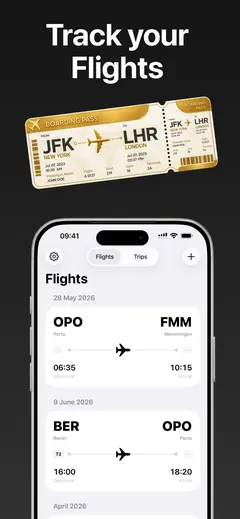
Add a flight from your booking or search the database. Live Activities follow you to the gate, and Home Screen widgets show your next departure and the time zone at your destination.

Track every flight. Remember every trip. 1st Class is a flight tracker, travel memory, and pocket city guide in one carefully crafted app.

Add a flight from your booking or search the database. Live Activities follow you to the gate, and Home Screen widgets show your next departure and the time zone at your destination.
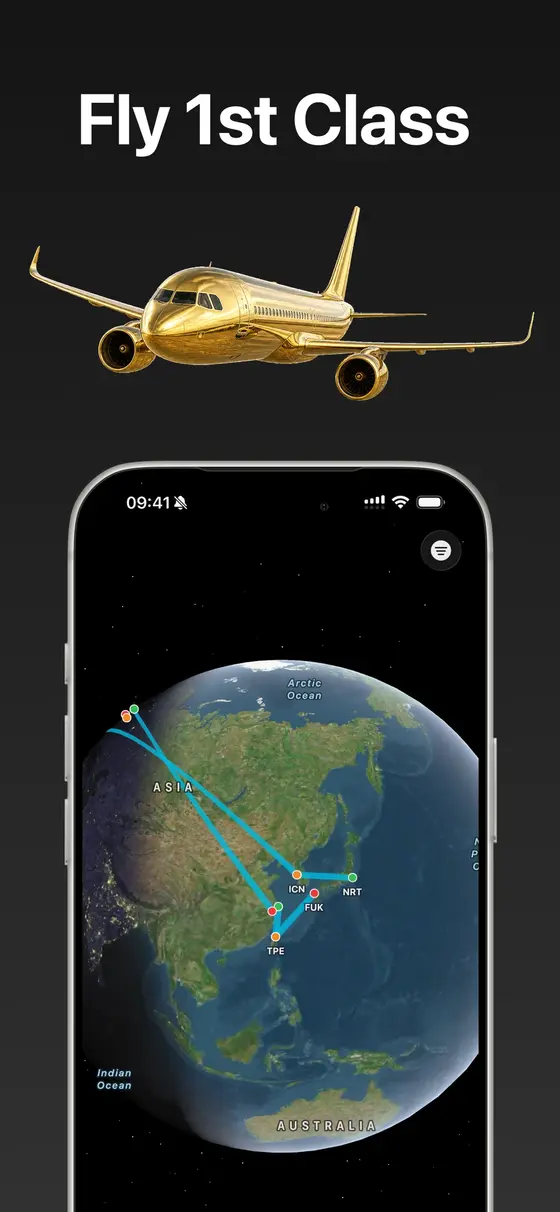
Every flight adds a stamp to a holographic passport you can share. Earn achievements for the countries, airlines, and aircraft you have experienced.
Photos from your library surface automatically by date, mapped to the right trip. Relive every journey day by day after you land.
Over 150 offline city guides built in, live exchange rates with daily updates, and Apple Intelligence itineraries for wherever you are headed next.
Offline multiplayer games over Bluetooth - play with your seatmate or the friends a few rows up. No Wi-Fi required.
Add flights manually any time, free. Online flight search and live tracking are part of the subscription.
Compatible with iPhone, iPad, and Mac. Apple Intelligence itineraries require iPhone 15 Pro or newer.
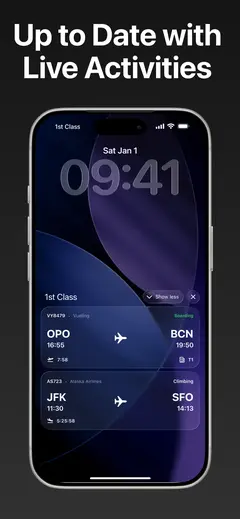
I fly a lot between Germany and Portugal, and I wanted the kind of flight app I would actually open after the trip, not just at the gate. So 1st Class keeps the tracking sharp - Live Activities, widgets, the whole modern iOS toolbox - and then turns everything you flew into something worth keeping: stamps, achievements, and the photos you took along the way.
It is my newest app and it moves fast; the roadmap is shaped directly by the people using it. Browse the rest of the lineup on the apps page.
Adding flights manually is free, any time. Online flight search and live tracking require a subscription.
Yes, the app is built offline first: manual flights, the passport, trip memories, and over 150 built-in city guides all work without a connection. That is also the point of the Bluetooth multiplayer games at 30,000 ft.
iPhone, iPad, and Mac. The Apple Intelligence itineraries require an iPhone 15 Pro or newer.