Digital Business Card App
NFC.cool Business Card puts your card on your phone, for individuals and teams. Share it with an NFC tap or a QR code, and they save you in one tap.
4.80★ NFC.cool Business Card on iPhone (664 ratings)


What Is a Digital Business Card?
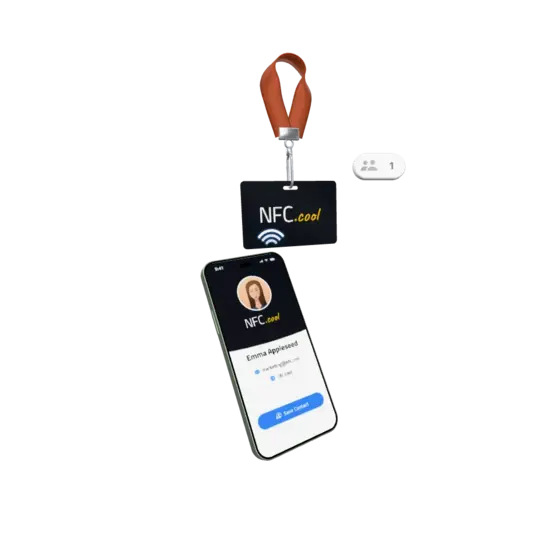
A digital business card is your contact details as a link: name, job, phone, email, website and social profiles on one page. Instead of handing over paper, you share it with an NFC tap or a QR code, and the other person saves you to their contacts in one tap. They don’t need an app. When your number or job changes, you edit the card once, and every tag and QR code you’ve shared shows the new details.
How to Make Your Digital Business Card
Fill in your card
Type in your details or import a contact you already have, then add your logo and colours.
Share your card
Let people tap your NFC card, scan your QR code or open your link. You can also add it to Apple Wallet on iPhone or Google Wallet on Android.
NFC or QR?
NFC tap
The fastest. They hold their phone near your card or tag, and your card opens.
QR code
Works on any phone with a camera, also the ones without NFC.
Use both. I compare the two in NFC business card vs QR code.
What You Can Achieve With a Digital Business Card
Get Saved in Their Phone
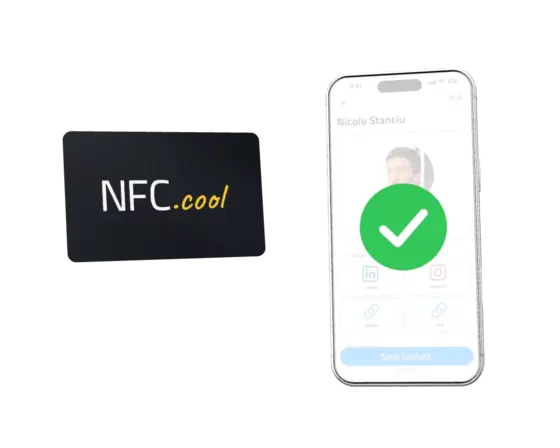
FreePersonalProTeamTap your NFC card or show your QR code. Your card opens right away and they can save you as a contact. They don't need an app.
Turn Conversations Into Customers
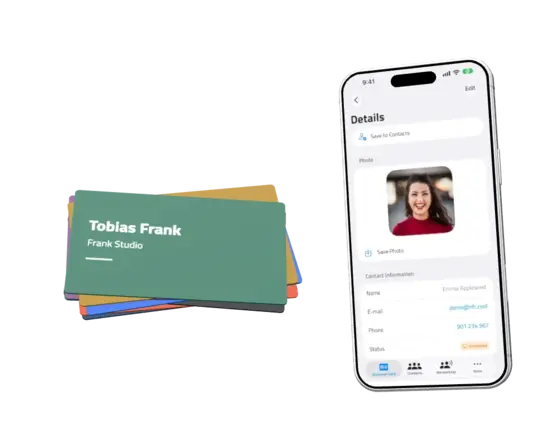
PersonalProTeamPeople you meet can send their details back. Follow each lead from New to Converted, so nobody slips through.
Look Right on Every Phone
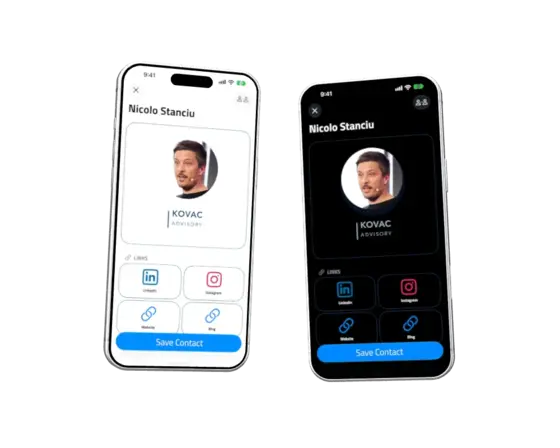
FreePersonalProTeamYour logo, your colours. Your card follows each viewer's light or dark mode.
Know Which Events Pay Off
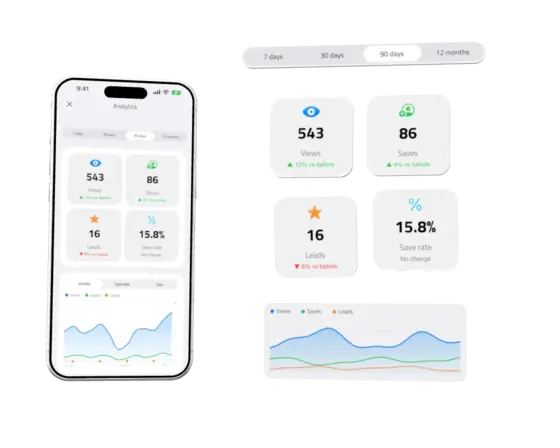
PersonalProTeamSee how many people viewed your card, saved it and tapped your links, this week or across the whole year. You see the numbers, never the names.
Get a Second Chance to Be Saved
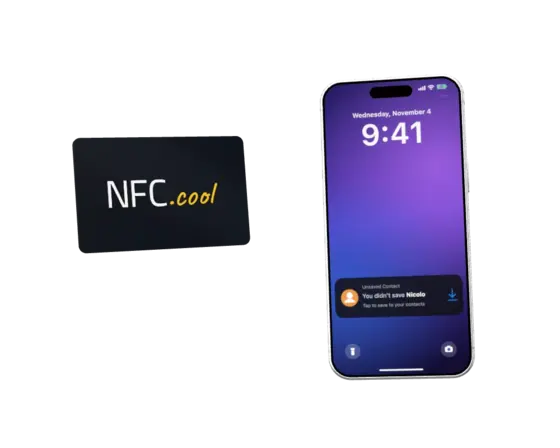
FreePersonalProTeamIf someone closes your card without saving it, their iPhone's Lock Screen reminds them. One tap and you're in their contacts.
Be the Photo They Keep
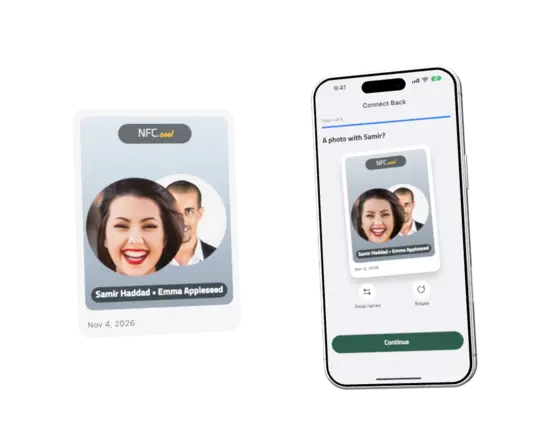
PersonalProTeamAfter the tap, they can take a selfie with you. Your names go on the photo, so you both remember where you met.
Follow Up Before They Forget
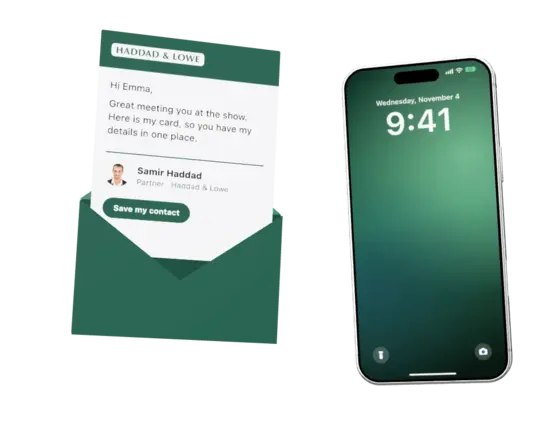
TeamWrite one friendly email with your logo and colours. Send it yourself, or let it go out automatically to everyone you meet at an event.
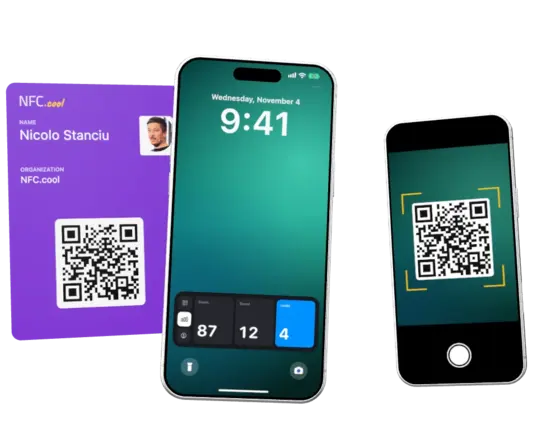
Collect Leads While You Keep Talking
PersonalProTeamAnyone can scan your Lock Screen or your Apple Wallet pass without you unlocking your phone. New leads and counts show up right there.
Make the First Screen Yours
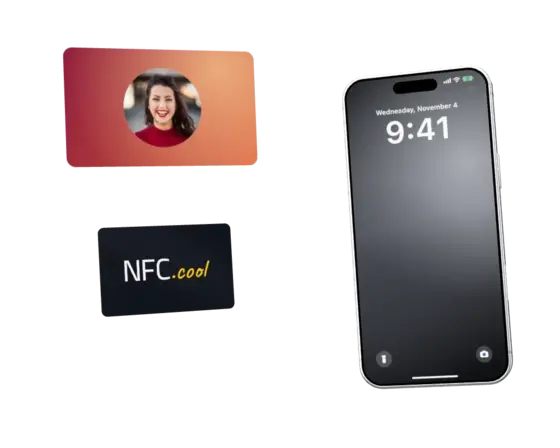
PersonalProTeamWhen someone taps your card on an iPhone, the first thing they see is your own picture and name.
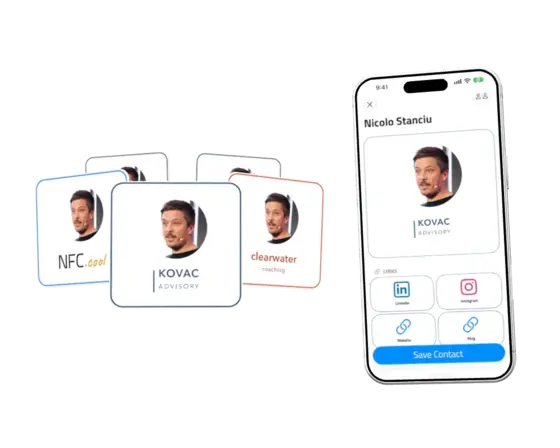
Be the Right Person in Every Room
ProTeamA card for each role, brand or event. Switch with one tap. Up to 10 cards on Pro.
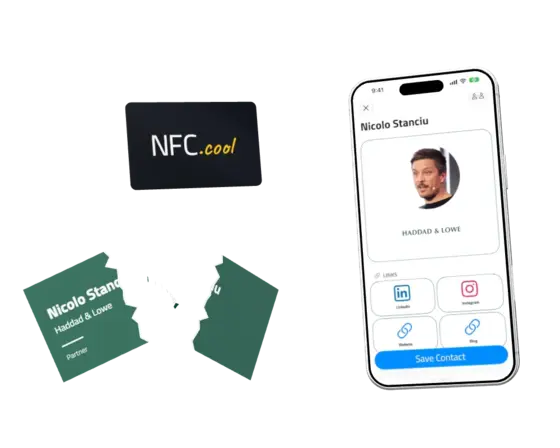
Change Jobs, Keep Your Cards
FreePersonalProTeamEdit your card once. The same NFC card and QR code show your new details, so there is nothing to reprint.
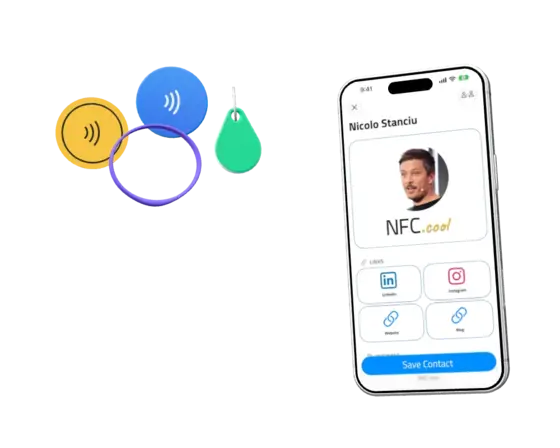
Turn Any NFC Tag Into Your Card
FreePersonalProTeamPut your card on a sticker, a coin, a key fob or a wristband. Whoever taps it gets your card.
Stay in Control of Your Data
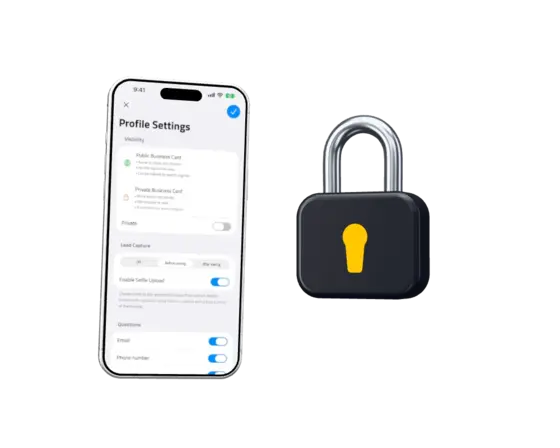
FreePersonalProTeamMake a card public, or protect it with a PIN. Export all your data as a ZIP at any time. NFC.cool doesn't sell your data to anyone.
Keep Your Team on One Brand
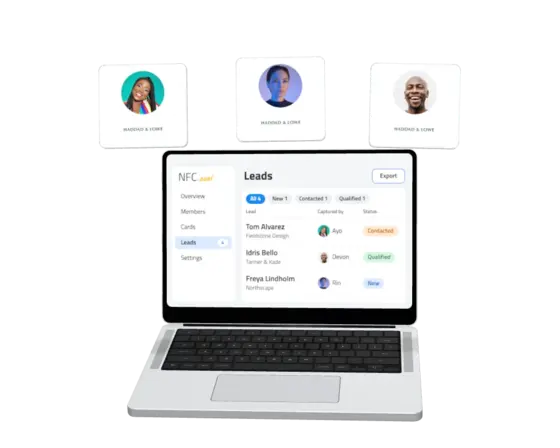
TeamEveryone gets a card in your company's brand. Every lead lands in one inbox, and can go straight into HubSpot.
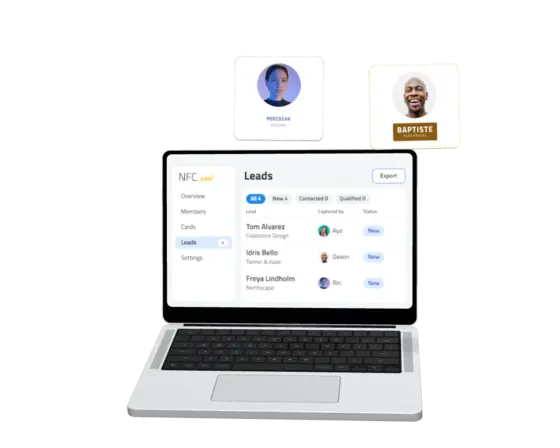
Run Your Team's Leads in One Place
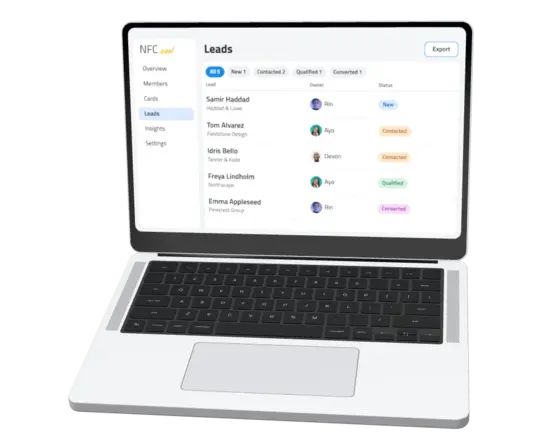
TeamManagers see every lead on one page: who owns it and where it stands. Assign it, move it along, and use it as your CRM.
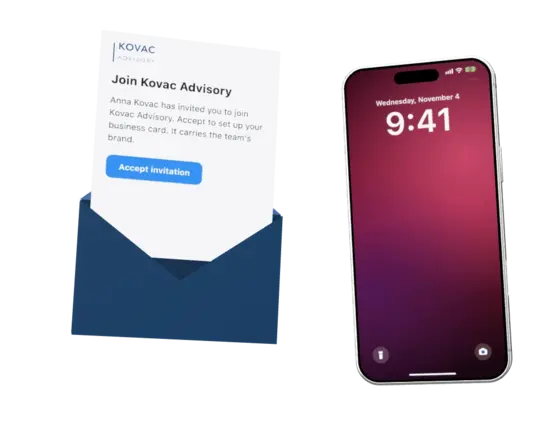
Greet New Hires With a Card
TeamInvite them by email. When they accept, their card is ready in your brand.
Keep the Leads When People Move On
TeamWhen someone leaves, every lead they collected stays with your team, so no contact walks out of the door.
A Digital Business Card for Every Job
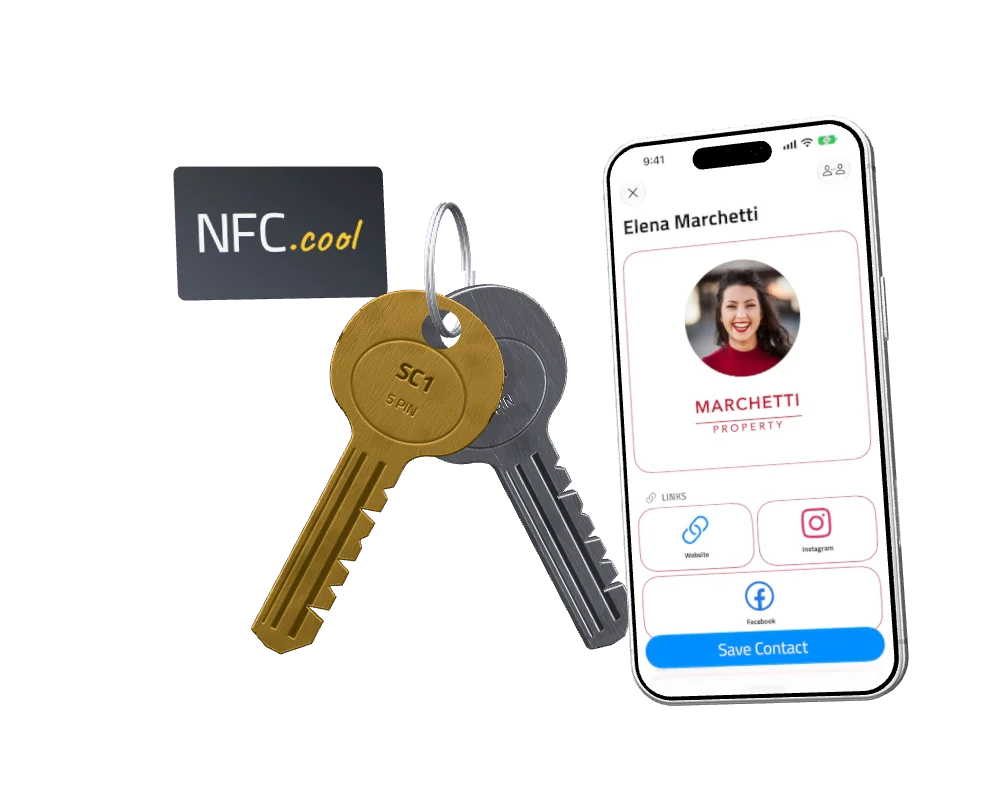
Real Estate & Architecture
Clients tap your tag and call you. Next thing, you are handing over the keys.
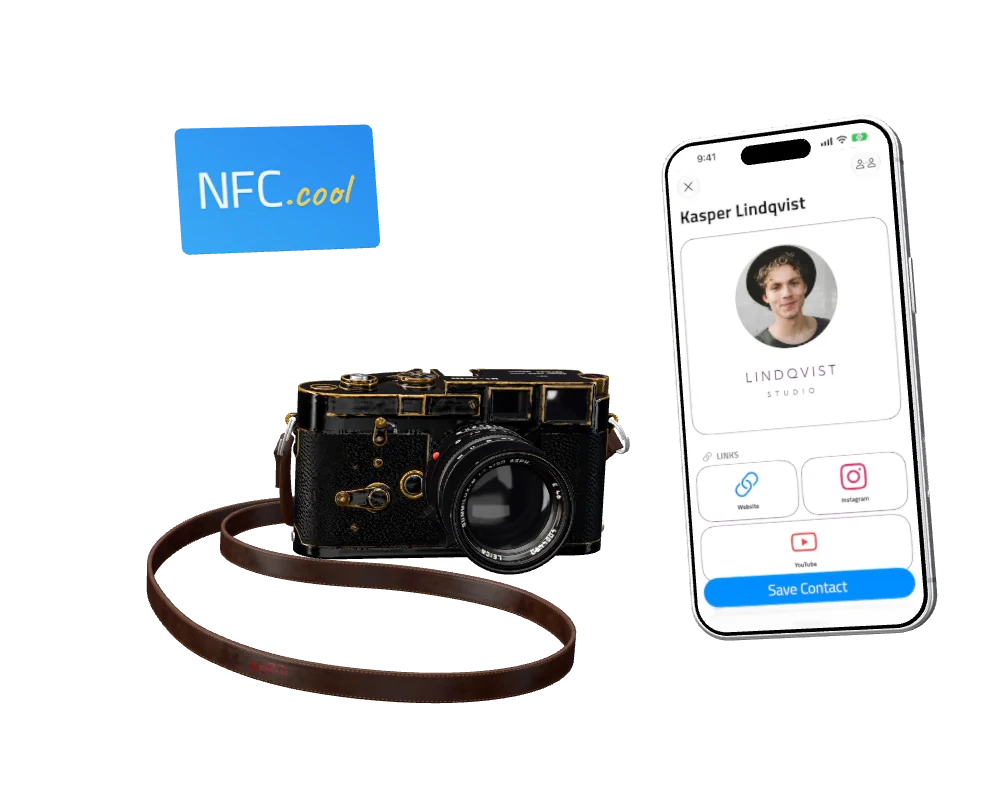
Creative & Media
A card beside the camera, so clients find your work after the shoot.
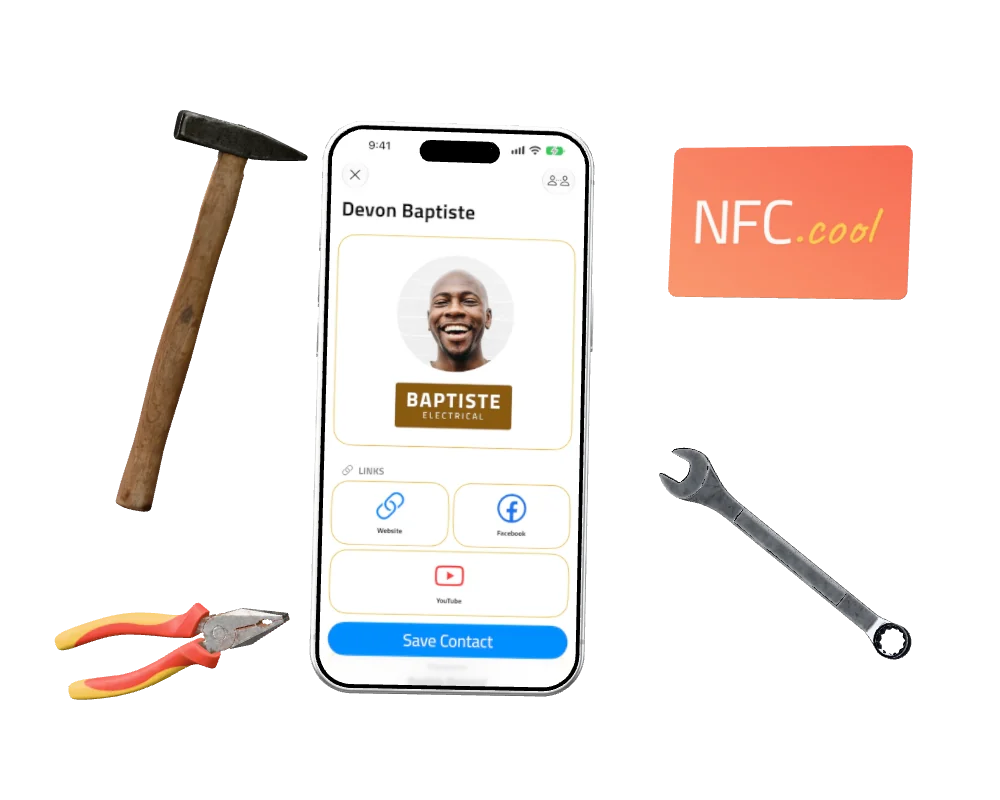
Manufacturing, Energy & Transportation
A card in your toolbox, so customers and partners can call you back.
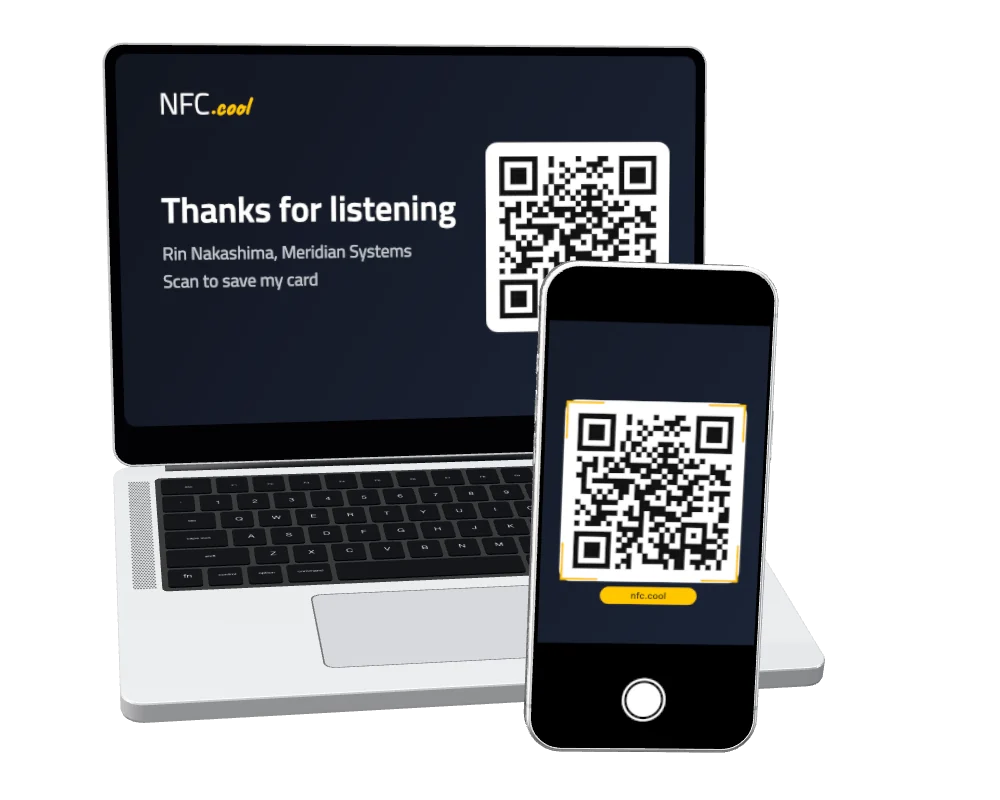
Education
Your card on the closing slide. The whole room can scan it.
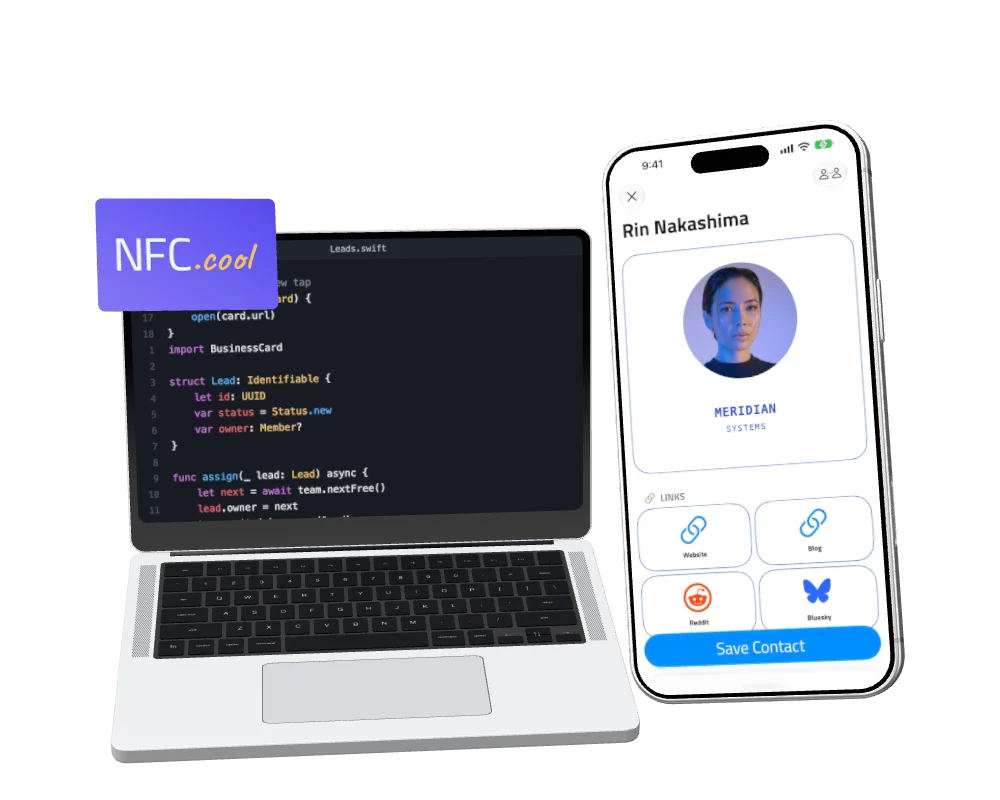
Engineering & Technology
One tap, and they have your details before the meeting ends.
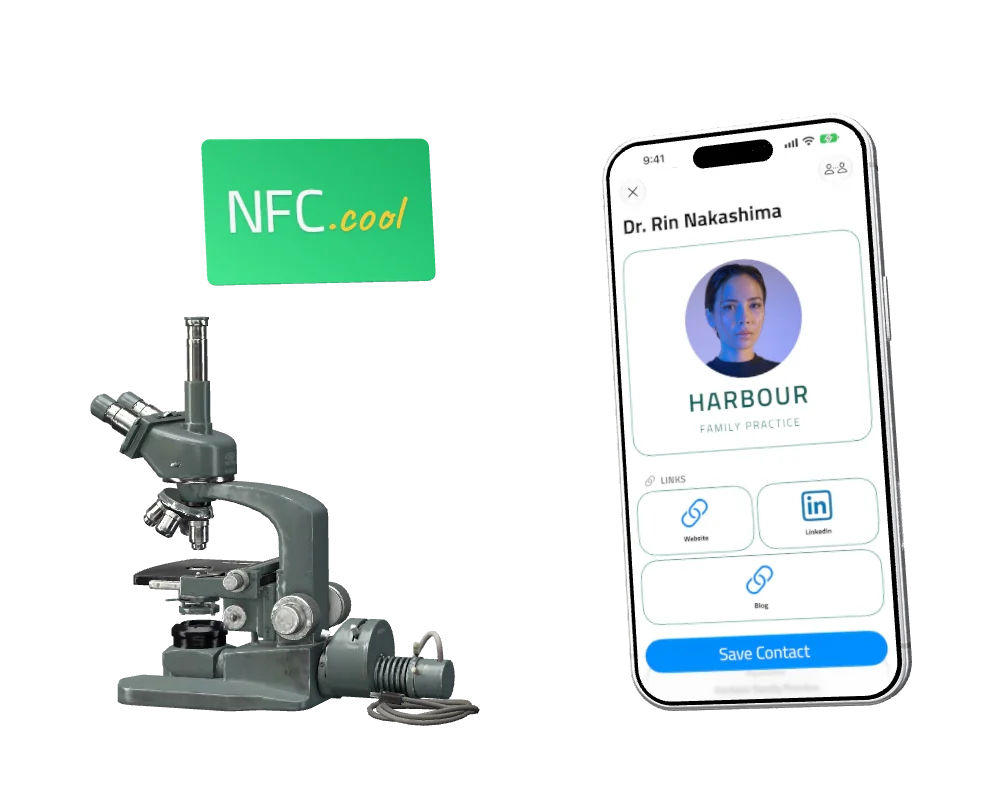
Healthcare & Science
Your card at reception, so patients and colleagues keep your number.
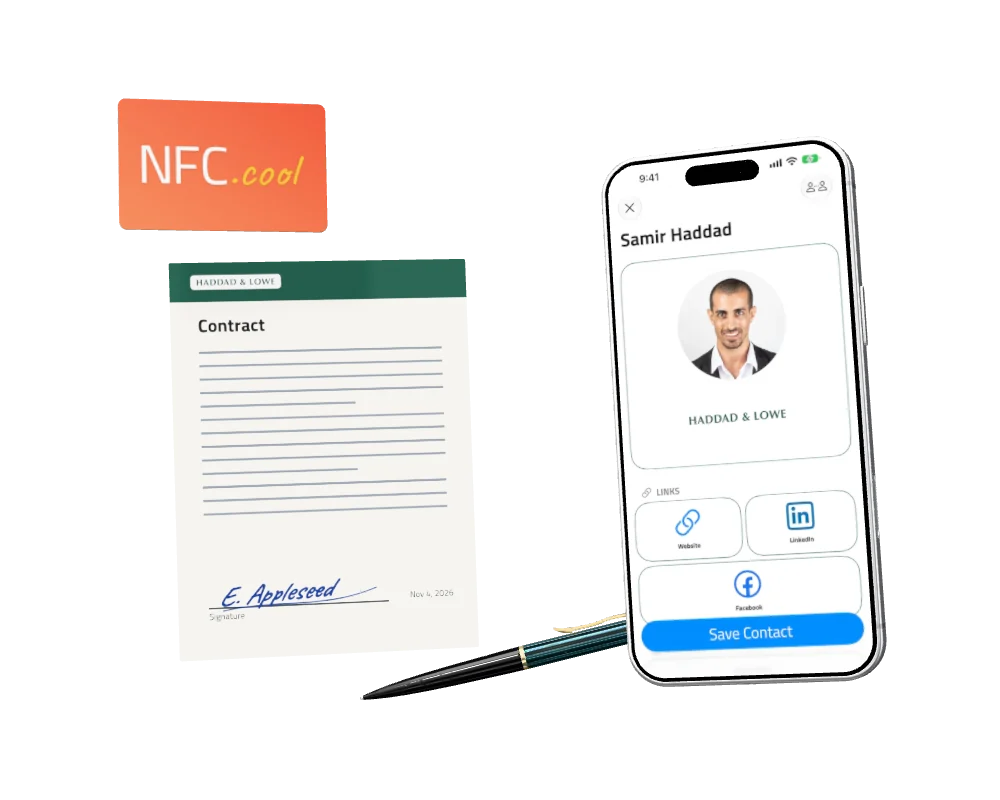
Retail & Sales
Share your card across the table, and close the deal.
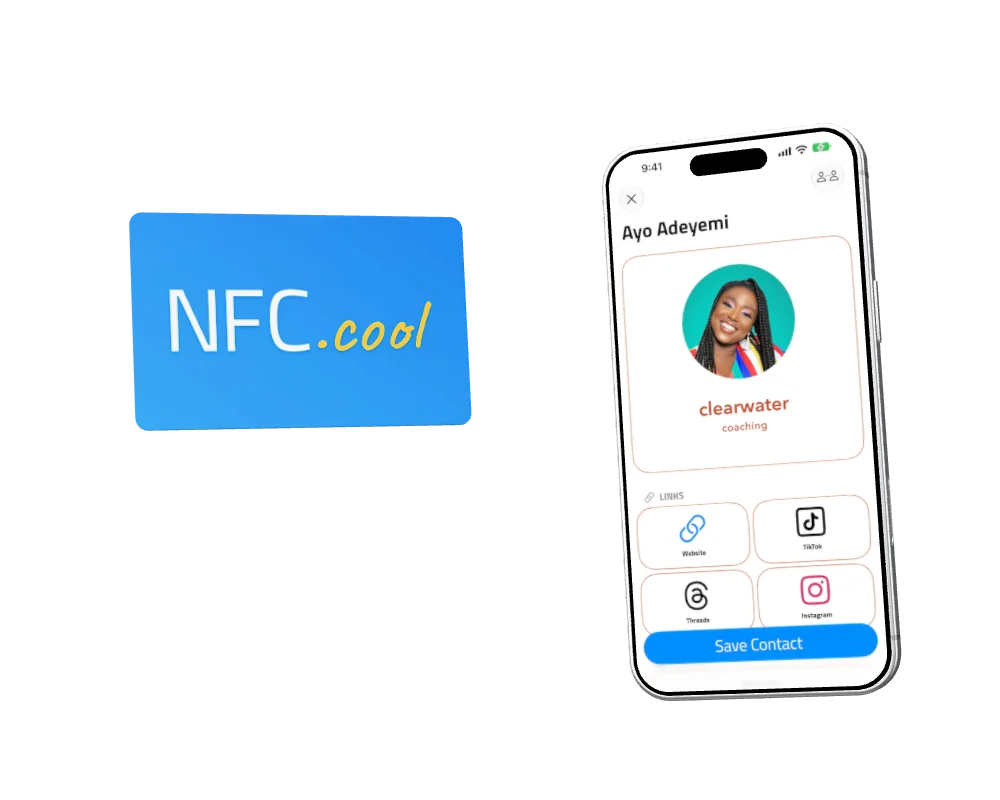
Sports
Coaches, trainers and clubs: one tap at the sideline, and they have your number.
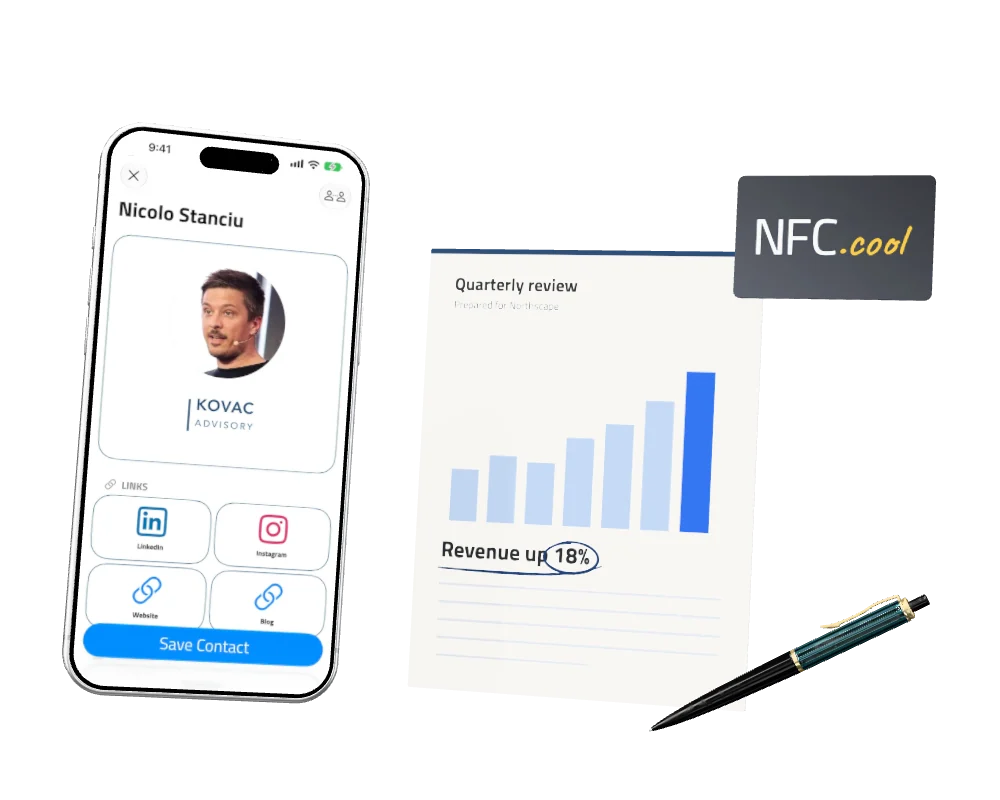
Consulting & Finance
Clients keep your details long after the meeting ends.
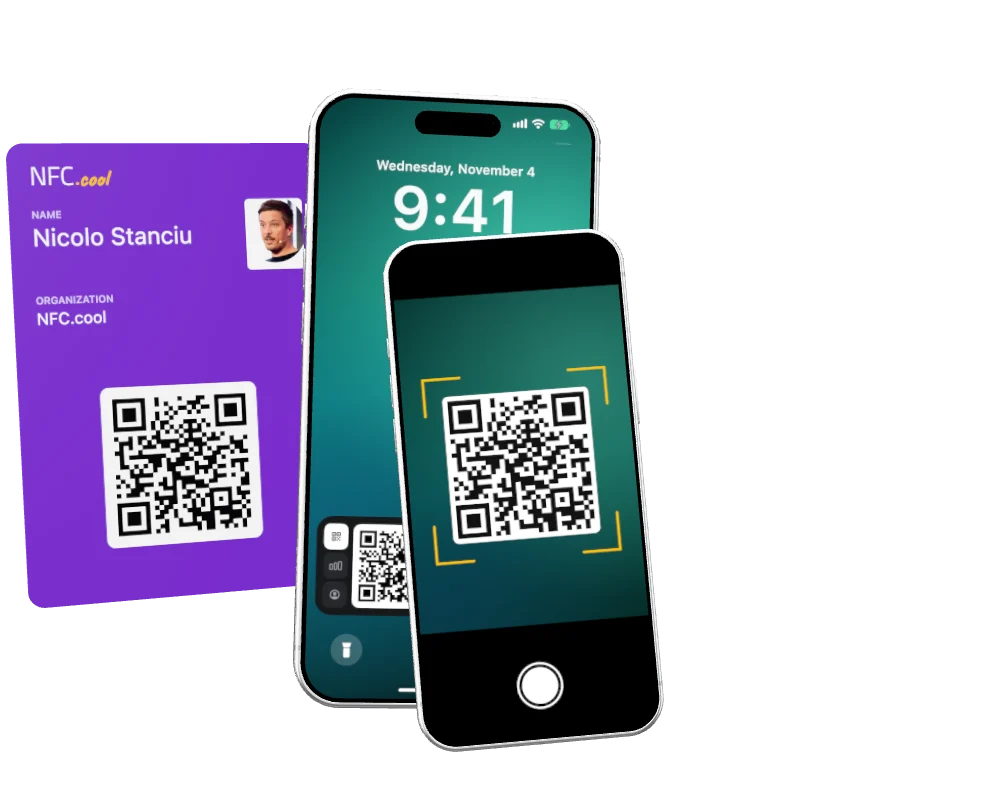
Marketing
Visitors scan your Lock Screen at the booth. You keep talking.
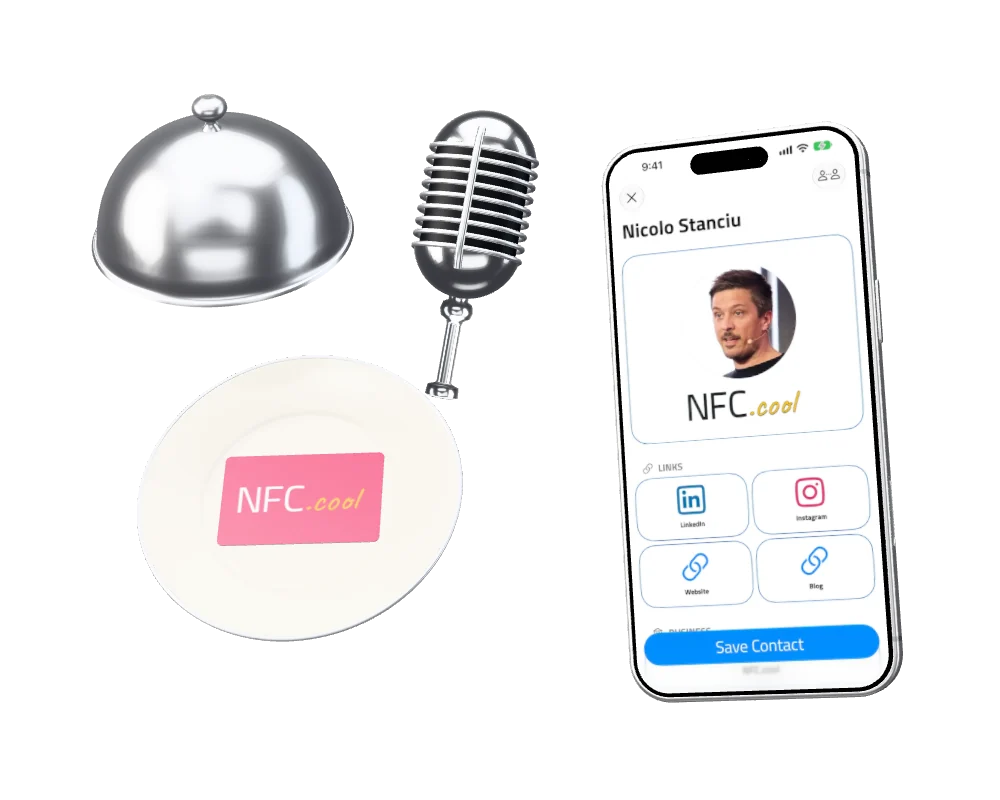
Hospitality & Entertainment
Served at the table or handed over after the show, so guests can find you again.
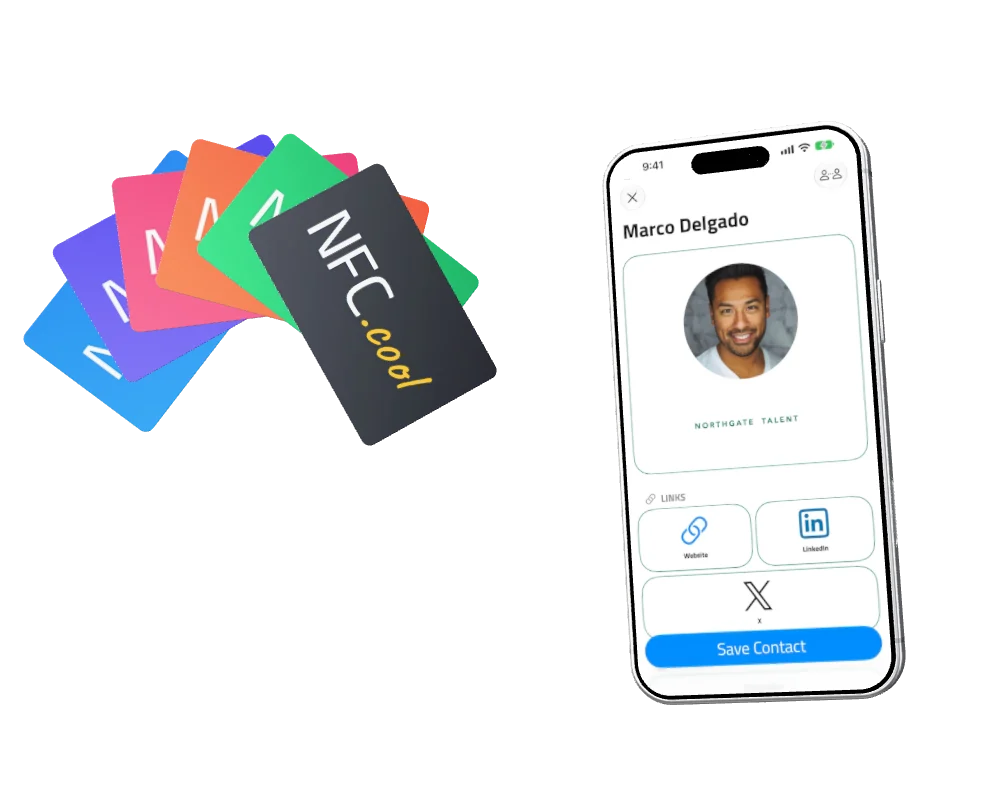
Everyone Else
Whatever you do, pick a card style. One tap and they have you.
Digital Business Card Pricing
One person or a whole team. Every card can be saved as a contact, Free included. Personal and Pro add leads, analytics and a card without our name on it, and are bought in the app. Teams start on the web, free for 14 days, and pay per person, yearly or monthly. In euros, the team price is the same number. See the team price and how it compares.
| Free | Personal | Pro | Team | |
|---|---|---|---|---|
| Price | $0 | $19.99 a year | $49.99 a year | $50 per person a year, or $5 a month |
| Cards | 1 | 1 | 10 | Up to 10 per person |
| Sharing, Apple Wallet and Google Wallet, Conference Mode QR, PIN, data export | ✓ | ✓ | ✓ | ✓ |
| Save Contact on your card | ✓ | ✓ | ✓ | ✓ |
| No "Made with NFC.cool" on your card | ✗ | ✓ | ✓ | ✓ |
| Lead generation | ✗ | ✓ | ✓ | ✓ |
| Analytics: views, saves and link taps | ✗ | ✓ | ✓ | ✓ |
| Live counts and new leads on the Lock Screen | ✗ | ✓ | ✓ | ✓ |
| Company brand, locked on every card | ✗ | ✗ | ✗ | ✓ |
| Web dashboard with roles and invites | ✗ | ✗ | ✗ | ✓ |
| Shared leads inbox | ✗ | ✗ | ✗ | ✓ |
| Team insights, card by card | ✗ | ✗ | ✗ | ✓ |
| HubSpot and webhooks | ✗ | ✗ | ✗ | ✓ |
| Branded and automatic follow-up emails | ✗ | ✗ | ✗ | ✓ |
| Connect your AI assistant | ✗ | ✗ | ✗ | ✓ |
| Where to buy | In the app | In the app | In the app | On the web, 14-day trial |
Everything the Digital Business Card App Does
Smart business cards
FreePersonalProTeam- Digital business cards - build cards that match your brand
- Up to 10 cards on Pro - for different roles, brands or events
- Import from Contacts - turn any existing contact into a card
- Always up to date - edits reflect immediately, no reprint
Customization & branding
FreePersonalProTeam- Customizable logos - separate light and dark mode marks, also in your QR code and Conference Mode on paid plans
- Custom colors - background, border, and tile colors
- Dark & light mode - card adapts to viewer's system preference
Lead generation & networking
PersonalProTeam- Lead-capture forms - collect contact info from viewers
- Status tracking - New → Contacted → Qualified → Converted → Archived
- Tags and auto-tags - tag every lead from an event at once
- Real-time notifications - instant push when someone connects
- Calendar & Reminders - add meetings and reminders to your Networking contacts
Analytics
PersonalProTeam- Profile views - see exactly how many people opened your card
- Contact saves - see how many people saved you to their phone
- Link taps - see which of your links people actually tap
- Daily / weekly / monthly breakdowns in the dashboard
- Trend analysis - understand your networking over time
Privacy & security
FreePersonalProTeam- PIN-protected profiles - a 4-digit PIN on private cards
- Public / private toggle - a private card opens only with its PIN
- GDPR data export - download everything as a ZIP at any time
- Session security - automatic PIN-session timeout
Sharing & connectivity
FreePersonalProTeam- Social platforms - Instagram, LinkedIn, TikTok, X, Facebook, GitHub, YouTube, WhatsApp, Telegram, Discord and more
- NFC, QR, custom URL - three sharing modes, one tap each
- App Clip - receivers see your card right away (iOS)
- Cross-platform - works on iOS and Android
Conference Mode
FreePersonalProTeam- QR on the Lock Screen - your card's QR code pinned to your phone's Lock Screen so anyone can scan it without unlocking
- No app open required - just hand the phone over, they scan, done
- Your numbers at a glance - on paid plans, views, saves and new leads count up on the Lock Screen, and you can tag the newest lead from there
- Event sessions - name an event, tag every lead from it, and get a summary at the end
- iPhone and Android - the same Conference Mode on both
Digital Business Cards for Teams
A personal card belongs to one person. On a team, the cards belong to the company, and that changes what they can do. Read more about digital business cards for teams.
One inbox for every lead
TeamEvery lead the team collects lands in one shared inbox. See who owns it and where it stands, assign it to the right person, and export it all as a spreadsheet.
See what every card does
TeamInsights on the web shows the whole team at once, person by person and card by card, so you can see which cards are working.
Leads into HubSpot, or by webhook
TeamConnect HubSpot once and every new lead becomes a contact, with its notes and status. For any other system, a webhook sends each lead wherever you point it.
Follow up in your brand
TeamWrite the follow-up email once, with your logo and colours. Anyone on the team sends it from the lead, or start an auto follow-up that answers every lead from an event for up to 7 days.
One brand on every card
TeamYour logo, company name and job titles, set once and locked. Add your company links to every card, and run the card links on your own domain.
Leads stay with the company
TeamWhen someone moves on, every lead they collected stays with your team.
Run it from the web
TeamA card and a login for each person, on iPhone and Android. Invite by email, give each person a role, prepare a card before someone starts, and change seats at any time.
Connect your AI assistant
TeamClaude Code, Codex, Cursor or any assistant that speaks MCP can set up your brand, draft your invites, create cards, pull today's leads and send the follow-ups.
Business Card FAQ
Does the other person need the app?
No. On iPhone your card opens in an App Clip, with nothing to install. On Android and computers it opens in the browser. Either way, they can save you as a contact.
What if their phone has no NFC?
Show your QR code. Any phone camera can scan it.
What's free?
One card, sharing by NFC, QR code or link, Save Contact, and Conference Mode's QR code. Your card shows "Made with NFC.cool".
What do Personal and Pro cost?
Personal is $19.99 a year and Pro is $49.99 a year, both with a one-week free trial. Personal adds leads and analytics and removes our name. Pro adds up to 10 cards.
When do I need Team?
When your company wants everyone on one brand, with every lead in one shared inbox and all the cards managed from the web. The 14-day trial needs a payment card, and you can start with two seats.
Which NFC tags work?
Any writable NFC tag, like a sticker, card or key fob. Writing one is free, and because the tag links to your card, it stays up to date whenever you edit your card.
Who can see my card?
Anyone with the link, and public cards can appear in search engines. A private card stays out of search and asks for a PIN. Your own NFC tags and QR codes already include the PIN, so people you share with go straight to your card.
Can I export or delete my data?
Yes. You can download everything as a ZIP, export leads as a spreadsheet, and delete your account.
If I edit my card, do my tags and QR codes still work?
Yes. Edits appear straight away on the same link, so there's nothing to rewrite or reprint. Deleting a card ends its link.
What happens if I cancel a paid plan?
Nothing is deleted. On Personal or Pro your cards stay online: new leads stop, and only as many cards as your plan allows can be saved. The rest show as locked. On a team, once the subscription ends, your team's cards show a "temporarily unavailable" page until you resubscribe, and then it all comes back.