Trip planner
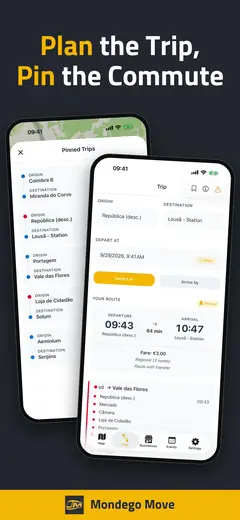
Pick an origin and a destination and get your route through the Metro Mondego network.

An independent companion app for travelers using the Metro Mondego system in the Coimbra region: plan trips, browse the network map, check fares, explore Coimbra’s sights, and see what is happening around town - in English and Portuguese. Available on the App Store and Google Play.


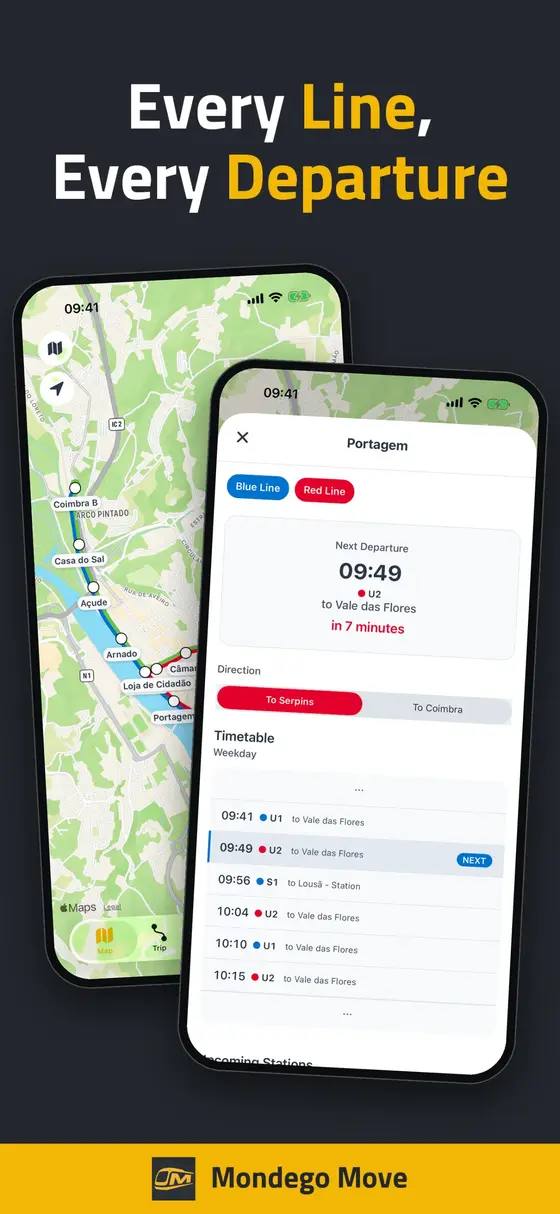
Pick an origin and a destination and get your route through the Metro Mondego network.
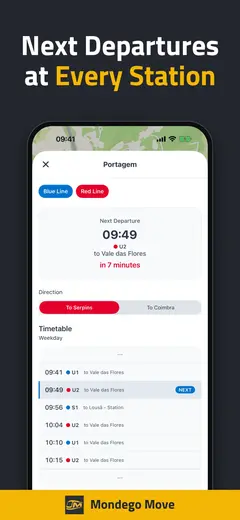
The whole network on one map, with station information a tap away. Location is used only to show your position - never stored or shared.
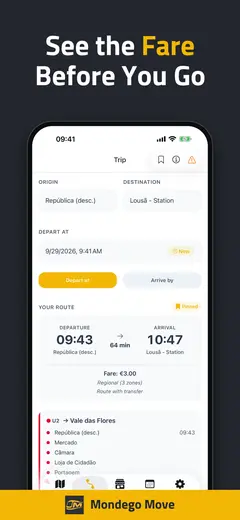
Fare and ticket information in one place, so you know what your trip costs before you board.
Coimbra's monuments, museums, gardens, and viewpoints, each with the nearest station. Collect a stamp at every one you visit.
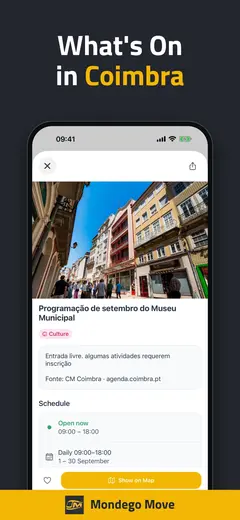
Concerts, markets, festivals, and meetups happening nearby - posted by locals, filtered by category, and checked by hand before they go live.
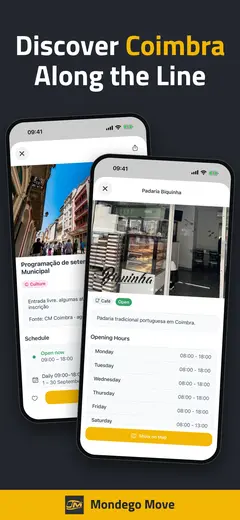
Shops, cafes, and services around the network, submitted by the people who run them and reviewed before they appear.
All transit information is sourced exclusively from the official Metro Mondego travel page. Mondego Move is an independently developed app and is not affiliated with, endorsed by, or representative of Metro Mondego, the Municipality of Coimbra, or any government entity.
The Explore tab gathers sights, events, and businesses in one place, and the map can show or hide each of those layers along with transport and car parks.
Sights. Monuments, museums, gardens, and viewpoints in Coimbra and along the metro line, with photos, opening hours, and the nearest station.
Map layers and styles. Show only what you want on the map, and switch between standard, satellite, hybrid, and 3D styles.
Car parks. Parking near stations appears on the map and on each station page.
Visit Coimbra’s sights and collect a stamp at each one. Stamps have to be earned on location: the app checks on your device that you are really there, and your position is not sent anywhere for that.
Riddles on site. Many sights carry a small riddle you can only solve once you are standing there. Answers forgive a typo and accept number words and Roman numerals. A sight without a riddle stamps on location alone.
A stamp for every sight. Each stamp shows a line drawing of its sight. Tap one to see it fullscreen.
Trails. A trail links several sights into a route. Follow it on its own map or on the main map, which flies to your next stop as you go.
A reward at the end. Finish a trail and a ticket appears that you swipe to tear. The first trail is Subida à Alta. What waits at the end is a surprise.
The Events tab is a community noticeboard for the Coimbra region. Anyone with an account can post to it, and I review every submission by hand before it goes live, which is the only reason the list stays worth reading instead of filling up with spam.
A few minutes to submit. Title, description, dates, a location you drop on the map, organizer contact, an optional photo, and up to three category tags. Sign in with Google or Apple - there is no password to invent. Save a draft and finish it later from any device.
Fourteen categories. Music, Food & Drink, Sports, Markets, Culture, Family, Outdoors, Nightlife, Community, Business, Education, Seasonal, Wellness, and Tech. Filter the list down to the ones you care about, or search it outright.
Multi-day runs. A festival or a market can carry a per-day schedule with its own times, including the days it is closed mid-run.
Favorites and sharing. Sign in to favorite an event and see how many other people did too. Anything that has ended drops off the list on its own. Share an event through the normal iOS or Android share sheet.
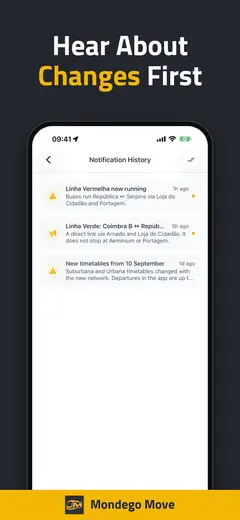
Notifications are opt-in. Turn on new-event alerts in settings and you hear about events as they are approved. Leave it off and nothing pushes at you.
Your listings stay yours. Edit an event after it is published or ask for it to be taken down, and you get a notification once that change is reviewed.
Local businesses work the same way, in their own tab, with the same review step.
I live part of the year in Portugal, and the Mondego region is home. When the Metro Mondego system arrived, I wanted a clean, bilingual companion for it - something a visitor could open in English and a local could use in Portuguese, with dark mode, tablet support, and offline capability built in from day one.
It is a small, honest utility: official data, an independent app, and a community layer of local listings on top. Browse the rest of the lineup on the apps page.
No. Mondego Move is an independent project and is not affiliated with, endorsed by, or representative of Metro Mondego, the Municipality of Coimbra, or any government entity. For official information, consult Metro Mondego directly.
Exclusively from the official Metro Mondego travel page. Local business and event listings are submitted by users of the app and are not government data.
Yes. The app is free on the App Store and Google Play.
English and Portuguese.
The timetable is built into the app, so next departures and trip plans do not need to download anything. Events, businesses, and live details such as opening hours need a connection.
The whole network: the Blue Line (S1, U1), the Red Line (S2, U2), and the Green Line (U3), including the Y that splits at Portagem. Fares cover single tickets, 24-hour, 72-hour, and 7-day passes, and monthly passes for the municipal, intermunicipal, and regional zones, including the Circula PT discounts.
When you tap to collect a stamp, the app compares your phone's location with the sight's, on the device. If you are close enough, the stamp is yours, plus the riddle if the sight has one. Indoors the signal can be weak, so the app tells you when it cannot tell and lets you try again.
Monuments, museums, gardens, and viewpoints in Coimbra, such as the Sé Velha, Parque Verde, and Choupal. Every sight can be stamped, and many have a riddle to solve on site.
A reward ticket that you swipe to tear. What it is, you will find out when you get there.
Yes, and it is free. Sign in with Google or Apple, fill in the form in the Events or Businesses tab, and your submission goes into the review queue. I read every one by hand, and you get a notification in the app when it is approved or turned down. You can edit or remove your own listings later, and those changes go through the same review.
Only the ones you switch on: service alerts, timetable changes, updates for a specific line, newly approved events, or offers from local businesses. Earlier notifications stay in a history inside the app.