Universal QR Scanning
Links, contact cards, Wi-Fi credentials, calendar events, phone numbers, email, SMS and locations - NFC.cool detects the payload type and offers the right action. On iPhone, payment and app-store links too.
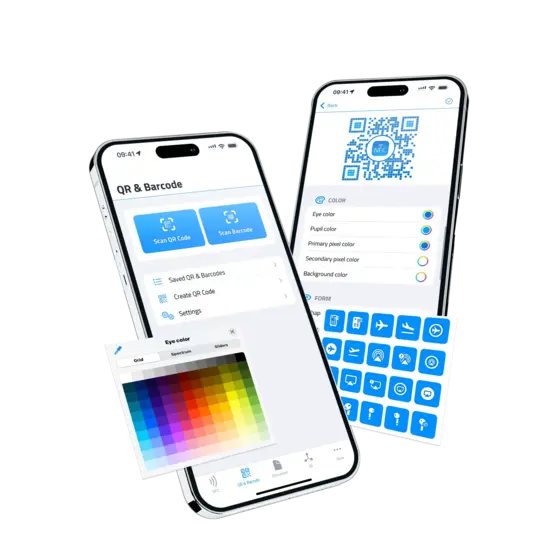
Scan any QR code with the camera on iPhone and Android, or pick one out of a screenshot on iPhone. Design custom QR codes with logos, emoji, and brand colors in the built-in QR Code Studio.


Links, contact cards, Wi-Fi credentials, calendar events, phone numbers, email, SMS and locations - NFC.cool detects the payload type and offers the right action. On iPhone, payment and app-store links too.
On iPhone and iPad, pick any image from your photo library and NFC.cool finds and decodes any QR code inside it - even partially obscured or low-contrast ones.
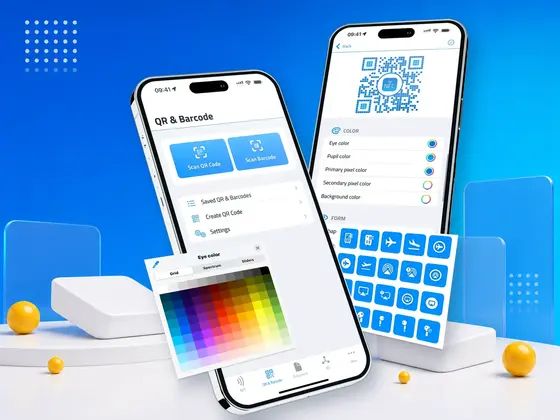
Design QR codes with custom colors, rounded eye patterns, custom pixel shapes, and a logo or emoji in the center (Genmoji on iPhone). Export as PNG at up to 4096×4096.
Every scan is saved locally - re-open the payload, copy it, share it, or jump straight back to the action.
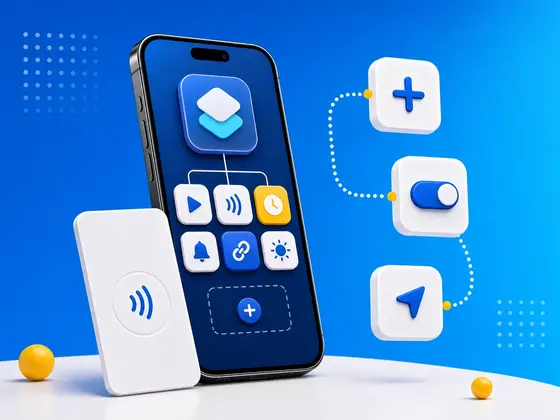
Open a link or play an audio link the moment a code is scanned. On iPhone, a scan can also run a Shortcut, fire a webhook, or speak the result aloud - the same five-hook automation that powers NFC scans.
Drop your most-shared QR codes onto the iPhone or iPad home screen with the QR Image Widget. Wi-Fi for the office, your business-card link, the menu for your bar - visible at a glance, scannable from the next person's phone without you opening anything. The Last Scan Widget shows the most recently scanned code so you can re-share it instantly. And the Scan Button Widget launches the scanner directly from the home screen or lock screen - a single tap, even on iOS 17+ via interactive controls.
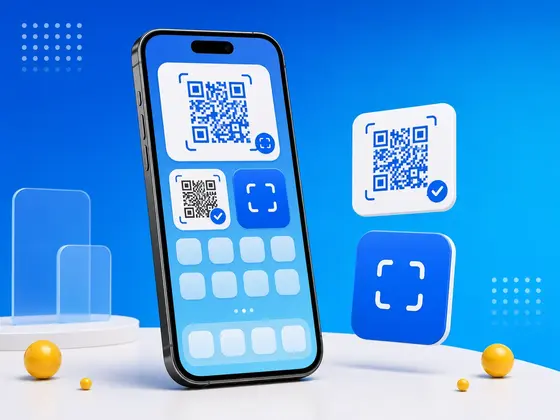
On Android, the QR code widget puts a saved code on your home screen, framed and resizable, with or without its title. Place as many as you like - with Platinum, each one can show a different code. To start scanning without hunting for the app, add the Scan a code tile to Quick Settings, or long-press the app icon and pick the same shortcut.
QR Code Studio lets you keep the scannability while losing the corporate-square aesthetic. Choose pixel shapes (rounded, dots, diamonds and more), eye styles, foreground / background colors, a logo image or emoji in the center - on iPhone also per-eye styles and Genmoji. Export at six pixel sizes - 512, 1024, 1536, 2048, 3072, or 4096.
On Android, the Studio also puts art behind the code (a photo, emoji, symbol or text) and checks your design as you go: the moment a change would make the code unreadable, it tells you.
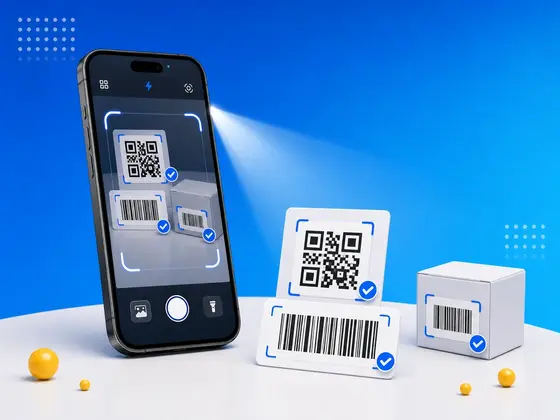
Three settings turn the scanner from one-and-done into a continuous workflow. Multi-scan lets you scan several codes in one camera session. Batch read keeps the camera open for inventory or event check-ins. Auto-torch kicks the LED on in low light so you don't fumble for the flashlight button.
NFC.cool plugs straight into the iOS Shortcuts app with built-in actions: grab the last scanned NFC tag, write a message to a tag, open the scanner, or pull the last scanned QR code. Chain them into Shortcuts that scan a tag, parse its payload, and kick off whatever you want next - automation, logging, journaling, you name it. The same actions power the lock-screen Scan Button control on iOS 17+.
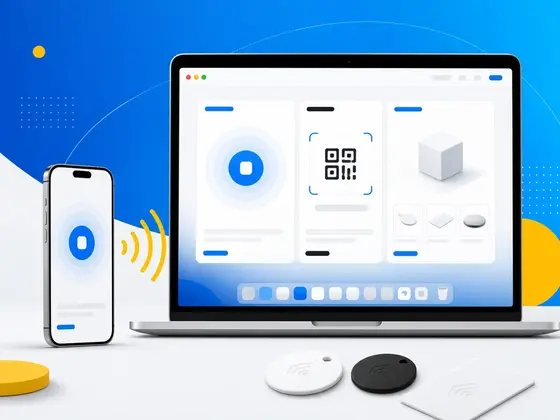
Scan history and your QR Studio designs sync across every device on your iCloud account. Design a QR on the iPad, share it from the iPhone, edit it on the Mac - same library, same edits, no exporting back and forth.
| Free | Platinum | |
|---|---|---|
| Read QR & Barcodes | ✓ | ✓ |
| Create QR Codes | ✓ | |
| QR Code Studio | ✓ | |
| QR Message Types | ✓ | |
| QR Code Widgets | ✓ | |
| No Watermarks | ✗ | ✓ |
| Batch Read QR & Barcodes | ✗ | ✓ |
Yes. NFC.cool Tools on Android scans QR codes and barcodes, keeps them in your history, and includes the QR Code Studio and a home-screen QR widget. A few parts are iPhone-only for now: reading codes from photos and screenshots, Micro QR, Shortcuts, webhooks and spoken results on scan, and iCloud Sync.
Yes. They're standard QR codes with optional cosmetic styling. Every standard reader (iOS Camera, Google Lens, Android stock scanners) can decode them.
Yes, on iPhone and iPad. Pick any image from your photo library and NFC.cool finds every QR code inside - even partially covered ones. On Android, codes are scanned with the camera.
Free codes carry a small attribution. Platinum codes are watermark-free - purely your design.
★4.5·73,500 ratings·Free