Fast, accurate scanning
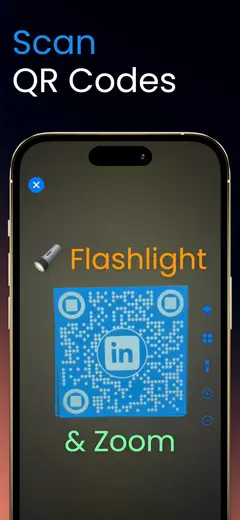
Real-time detection reads codes the moment they enter the frame. URLs, text, contacts - the content opens with a single tap.

Scanning, creating, and managing QR codes without the rest of the toolkit. This is the focused, single-purpose QR app: point the camera, get the content, move on.

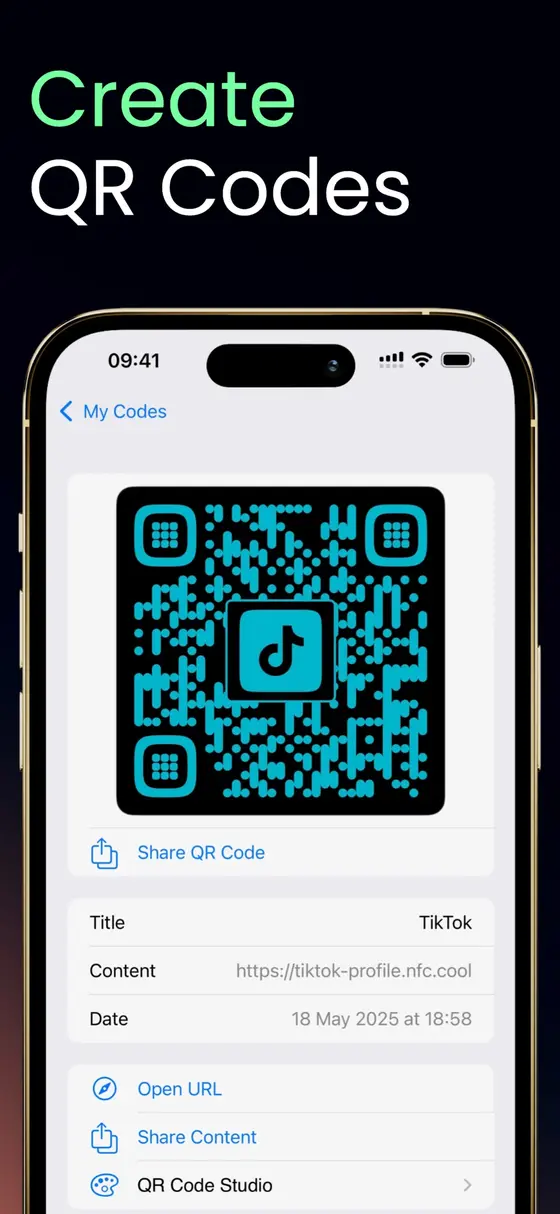
Real-time detection reads codes the moment they enter the frame. URLs, text, contacts - the content opens with a single tap.
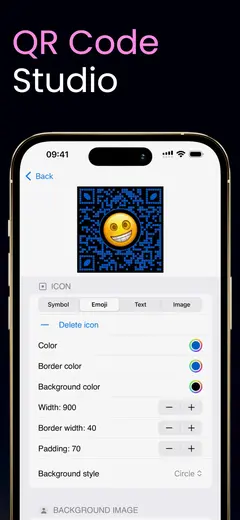
Turn any content into a QR code. The QR Code Studio adds extensive customization on top, so your codes can match your brand.
Every scan is saved and organized for easy access. Share a code or its content with others whenever you need it again.
Scan a stack of codes in one session with batch mode, or keep the camera running with continuous multi-scan.
Scanning is free. QR Code Studio, batch mode, and multi-scan are paid features - each can be tried before buying (Studio also works free with a watermark).
QR scanning has been part of NFC.cool Tools for years, and I kept hearing the same thing: some people just want the QR part. No NFC, no document scanning, no 3D - just a really good QR scanner. So I built exactly that, with the same care for detail as the main toolkit.
If you want QR codes plus everything else, NFC.cool Tools has you covered. If you want QR codes and nothing else, this is your app. Browse the rest of the lineup on the apps page.
Yes, scanning QR codes is free. The QR Code Studio, batch scanning, and continuous multi-scan are paid features, and each one can be evaluated with a free trial first.
Yes. You can create QR codes from your own content, and the QR Code Studio adds extensive visual customization for codes that need to look on-brand.
NFC.cool Tools is the full toolkit: NFC, QR, barcodes, documents, 3D, and room scanning in one app. QR Code Scanner is the QR half on its own, for people who do not need the rest.
Yes, the app supports both iPhone and iPad, including dark mode on both.