RoomPlan Capture
Walk through a room with your iPhone's LiDAR sensor. NFC.cool builds a parametric model in real time - walls, doors, windows, and openings.
LiDAR-powered RoomPlan turns a walk through your space into a clean parametric floor plan - walls, doors, windows, and recognised furniture, exported as a single USDZ scene.


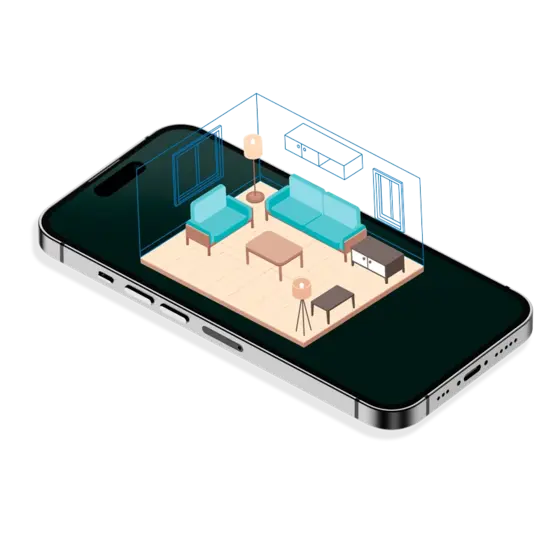
Walk through a room with your iPhone's LiDAR sensor. NFC.cool builds a parametric model in real time - walls, doors, windows, and openings.
Beds, sofas, tables, chairs, storage, stoves, sinks, toilets, bathtubs and TVs are detected and labelled inside the scene.
Every room reports floor area, ceiling height, and per-wall dimensions. Read them off the model or embed them in the exported USDZ.
Open the finished room in AR Quick Look or share the USDZ - recipients can walk around the model right inside Messages.
Once a scan is finished, drop it into AR Quick Look and physically walk around the digital twin. Useful for sanity-checking furniture placement before you buy, or for getting a sense of scale that drawings on a tablet just don't convey.
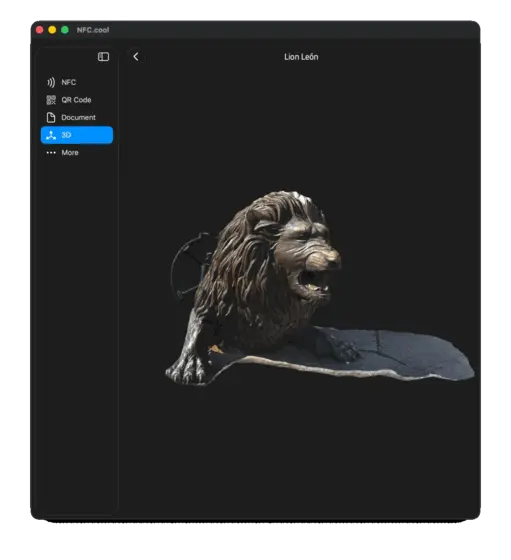
Each scan is one room. Capture the kitchen, capture the living room, capture the bedrooms - they live side-by-side in your library, and a 3D editor of your choice can stitch them into a multi-room USDZ. Particularly useful for real-estate listings, renovation planning, or insurance documentation.
NFC.cool plugs straight into the iOS Shortcuts app with built-in actions: grab the last scanned NFC tag, write a message to a tag, open the scanner, or pull the last scanned QR code. Chain them into Shortcuts that scan a tag, parse its payload, and kick off whatever you want next - automation, logging, journaling, you name it. The same actions power the lock-screen Scan Button control on iOS 17+.


Scanned rooms live in your iCloud Documents folder, so the iPhone you scanned with, the iPad you reviewed on, and the Mac you'll edit on all see the same library. Walk the space once, refine the floor plan later at your desk.
| Free | Platinum | |
|---|---|---|
| Scan Rooms | ✓ | ✓ |
| Room Measurements | ✓ | ✓ |
| Area Calculation | ✗ | ✓ |
Yes. RoomPlan is a LiDAR-only API from Apple. (the 3D Object Scanner needs LiDAR too - Apple's Object Capture session checks for it.)
Just walk through the room. The result is generated live and is ready when you finish.
Yes - USDZ is supported by most modern CAD/3D tools. For SketchUp / Revit workflows, convert via Blender or a free USD-to-OBJ tool.
★4.5·73,500 ratings·Free