Last year I was in Bologna for PragmaConf 2025. It was my first time at that conference, and, as it turned out, also my last - the organizers can’t keep it running, so the edition I went to was the final one. I’m still a little sad about it.
While I was there I got talking to Alexander Manzer, a fellow iOS and NFC developer. At some point the conversation drifted to a problem I’d long since filed under “impossible”: reading NFC tags on an iPad. iPads have no NFC chip, so I’d always told people it simply couldn’t be done. Alexander told me it could - with the right external reader - and offered to send me a small piece of code to get started. He did, a few days later. That snippet is the reason NFC.cool can now read NFC tags on iPad and Mac.
I told you this wouldn’t work
Back in May, when NFC.cool came to Mac, I wrote a whole section on what the Mac can’t do and put NFC scanning right at the top of it. My reasoning was simple: Macs have no NFC radio, iPads have no NFC radio, and that is a hardware limit no software update of mine can fix.
That part is still true - for the chip built into the device. What I missed is that you don’t have to use the built-in chip. You can plug one in.
How it works without an NFC chip
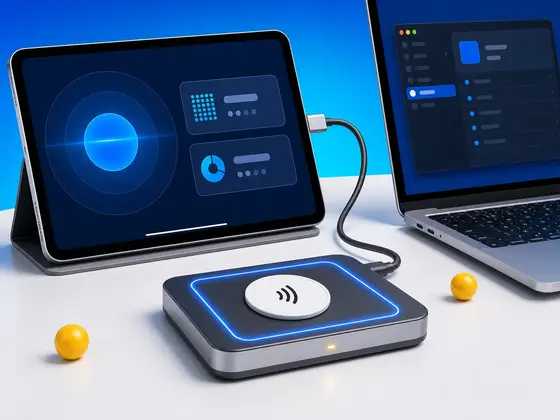
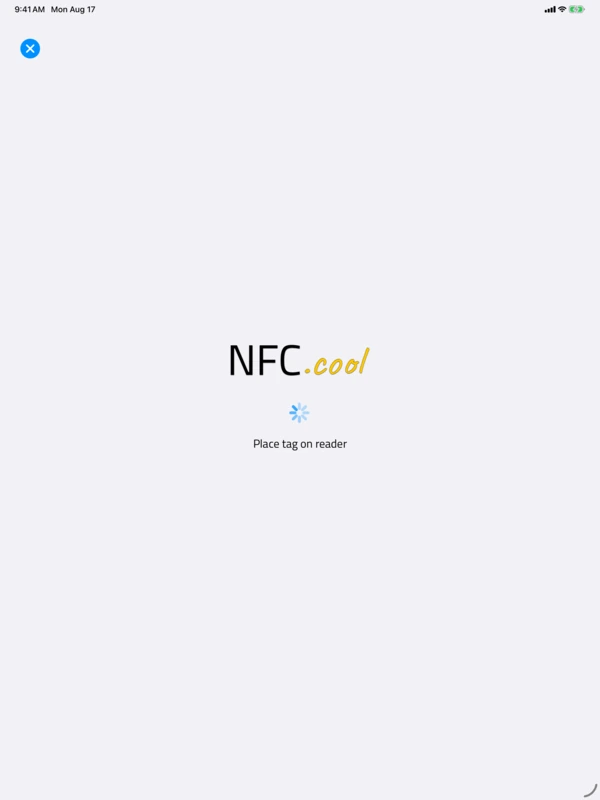
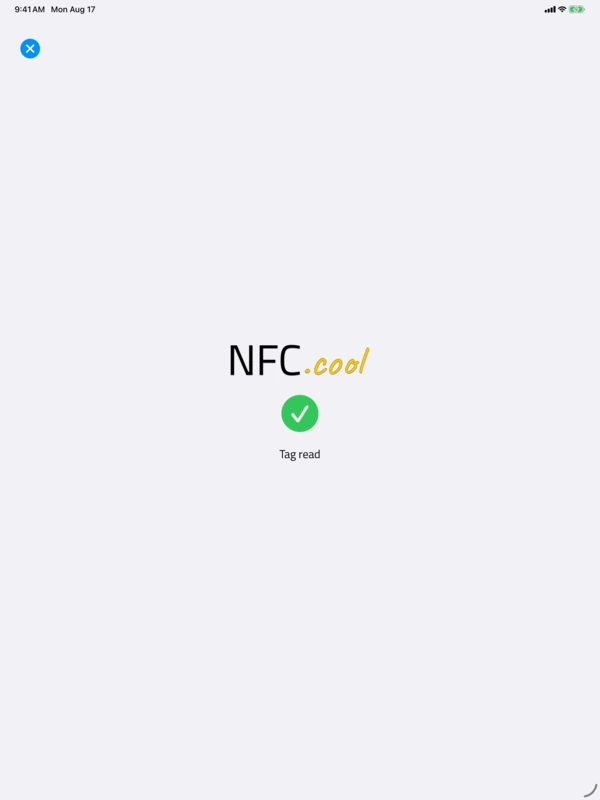
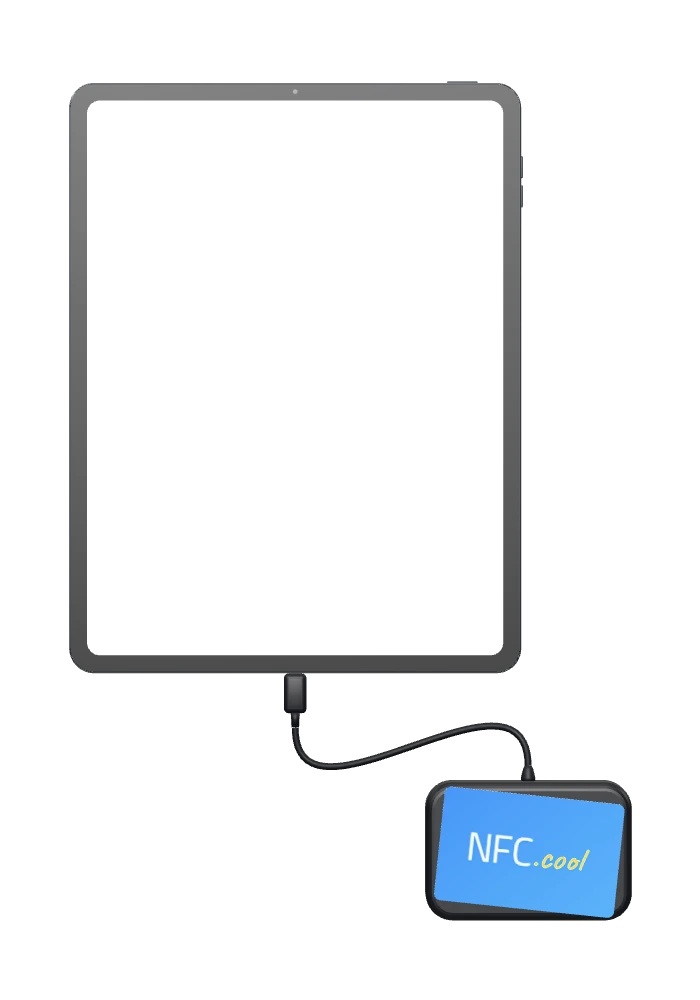
The trick is an external USB NFC reader. You connect it to your iPad or Mac, and NFC.cool talks to it directly. There are no drivers to install: it works through the smart-card support Apple already ships in iPadOS and macOS, so the moment you plug the reader into the USB-C port, the app notices it and switches over on its own.
The app prefers an external reader whenever one is plugged in. On an iPad or Mac that reader is the only NFC hardware in play, so there is nothing to decide. On an iPhone it becomes a choice the app makes for you: plug a reader in and NFC.cool uses it, leave it unplugged and the phone falls back to its own built-in NFC. You don’t flip a setting, and you don’t pick a mode - the app figures out what hardware it has and acts accordingly.
The reader I built this around, and the only one I have actually tested, is the HID OMNIKEY 5022 CL. Other USB readers work too, and a few of them are in the list below, sent in by users who tried them.
The readers that work
Here is every reader I currently know of that works with NFC.cool:
HID OMNIKEY 5022 CL - the one I built this around and tested end to end (Amazon)
HID OMNIKEY 5422 - reported working by a user (Amazon)
ACS ACR1552U-M1 - reported working by a user (Amazon)
ACS ACR1255U-J1 - reported working by a user (Amazon)
Thank you to everyone who wrote in. I can’t buy every reader on the market, so every model past the first one is on this list because someone bought it, tried it, and took the time to tell me. If you are using a reader that isn’t here, let me know whether it worked or where it broke, and I’ll add it to this post.
Those are Amazon affiliate links: if you buy through one I may earn a small commission at no extra cost to you.
What you can do with it
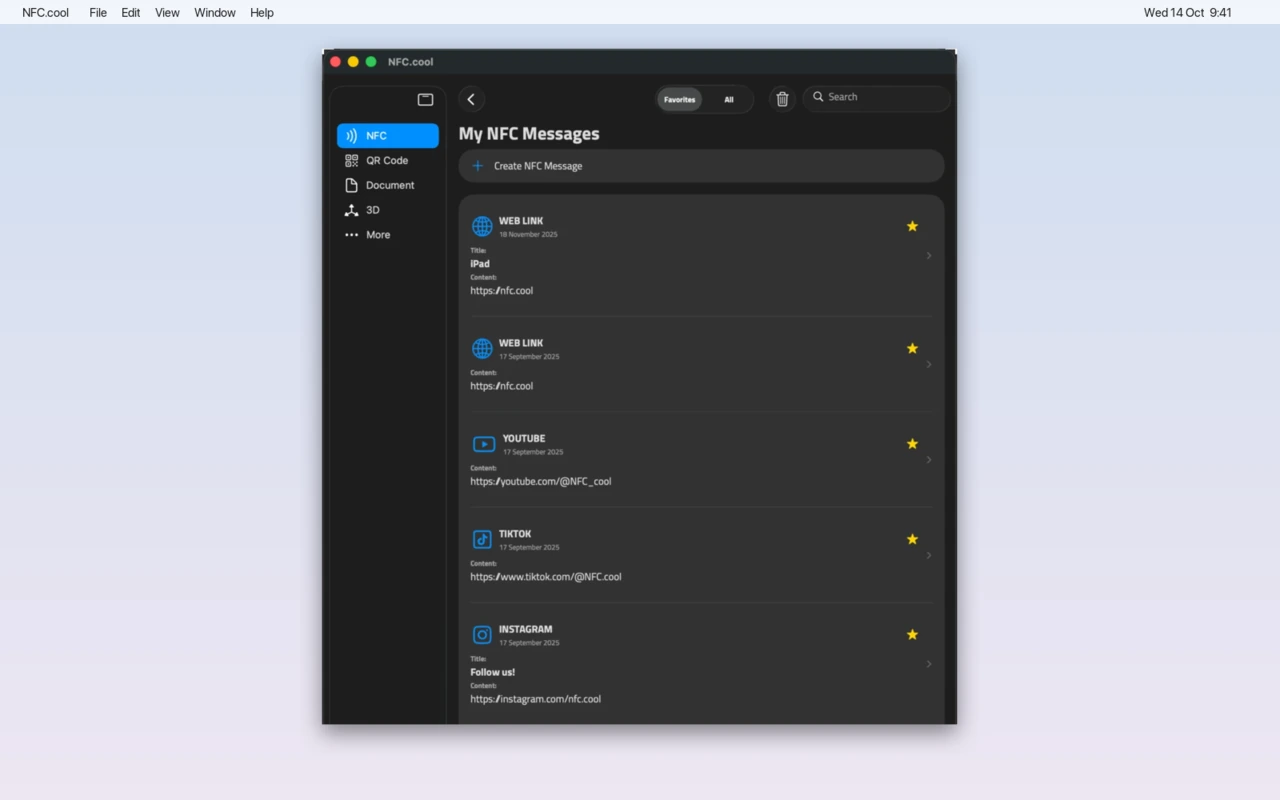
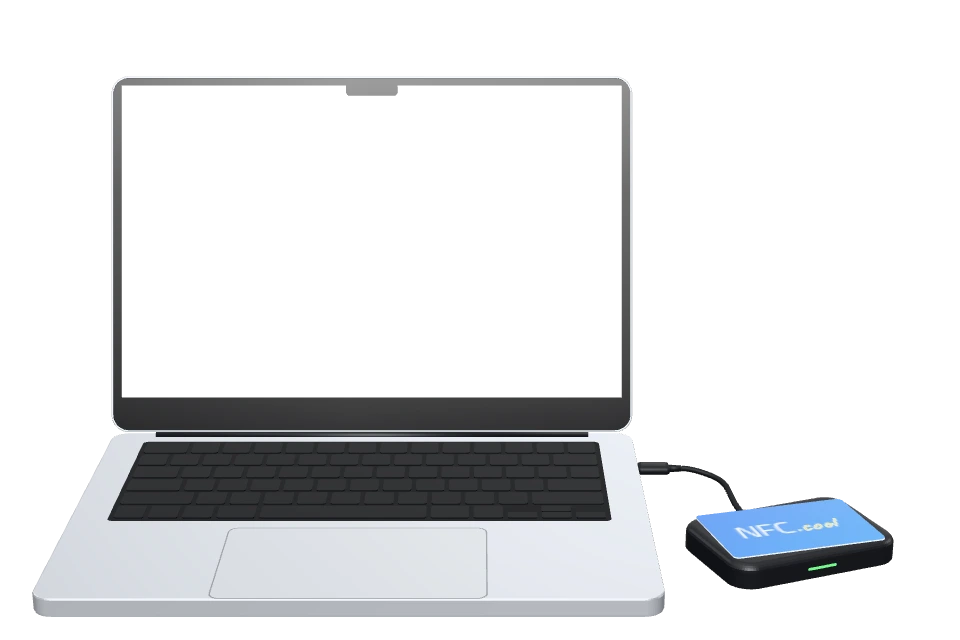
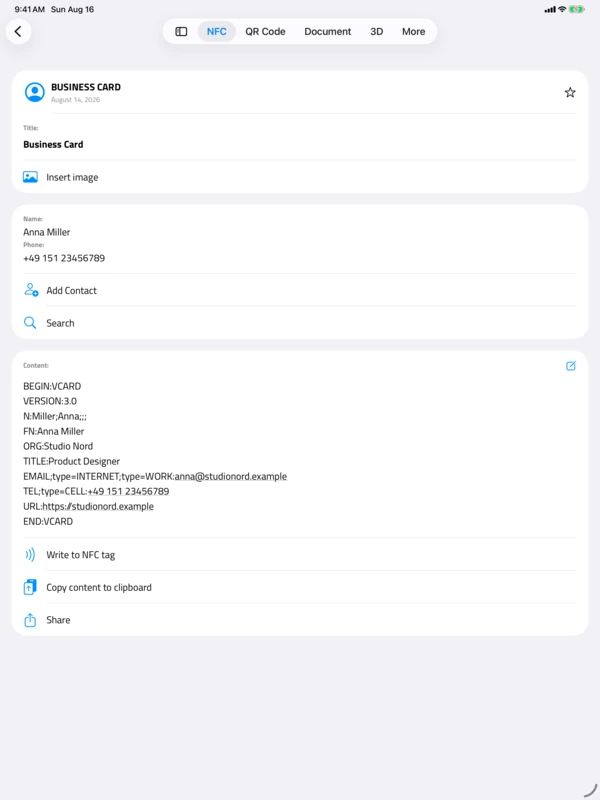
- On a Mac, too. Plug the reader into your Mac, and every tag you read lands in My NFC Messages.
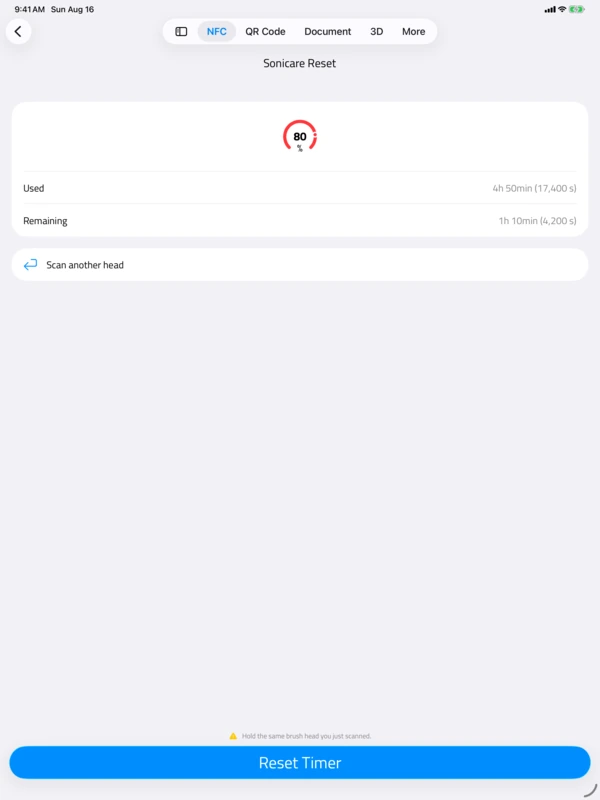
Almost everything you would do on an iPhone. You can read tags and dump their full memory, write NDEF messages, and run batch jobs that read or write a whole stack of tags one after another. Password-protecting tags works. So does OpenPrintTag, the 3D-printer filament-spool format, in both directions. And yes, the Philips Sonicare brush-head reset runs too.
That last one was the hard part. Resetting a Sonicare head means reading a counter off the tag and then writing back to a password-protected page, and the tag only accepts that write if it still considers you authenticated from a moment earlier. Through an external reader, that meant holding a single session with the reader open across both steps instead of letting it close in between. Once that held, the operations that depend on it - protected writes, the brush reset - started behaving the way they do on a phone.
The honest limits
A couple of things still aren’t there, and I would rather tell you than let you find out.
The OMNIKEY 5022 CL is the only reader I have tested myself. The others in the list above come from user reports, and anything beyond that list is unverified territory.
MIFARE Classic tags are read-only through the reader. You can read them, not write them.
None of these break the way most people will use this, but they are real, and they are the kind of thing I’d want to know before buying a reader.
Thanks, Alexander
I want to be clear about where this came from. I didn’t sit down and invent it - Alexander handed me the thread and I pulled on it. He didn’t have to share that code, and I’m grateful he did. Part of why I chased it so hard afterward is plain: I wanted NFC.cool to be the first iPad app that could actually read an NFC tag. Whether or not it turns out to be the very first, getting there was worth the work.
NFC tag reading on iPad and Mac arrives in NFC.cool 6.15.0. If you have an iPad or a Mac, a supported reader, and a tag you could never scan from your desk before, it will just work.
Need the reader? Here is the HID OMNIKEY 5022 CL on Amazon - the link takes you to your local Amazon store. That is an affiliate link: if you buy through it I may earn a small commission at no extra cost to you, and it helps fund the work on NFC.cool.
Download NFC.cool Tools for iPhone, iPad, and Mac
And if you were at that last PragmaConf in Bologna: thanks for a good one. I wish there were going to be another.