Read Every NDEF Tag
Tap any NFC tag and inspect its NDEF records - URLs, contacts, plain text, MIME data, app launches, custom payloads - plus raw bytes and tech type.
Read and write NFC tags on iPhone and Android. Tap to read any tag, write your own with links, contacts and Wi-Fi, then lock them so no one else can change them.


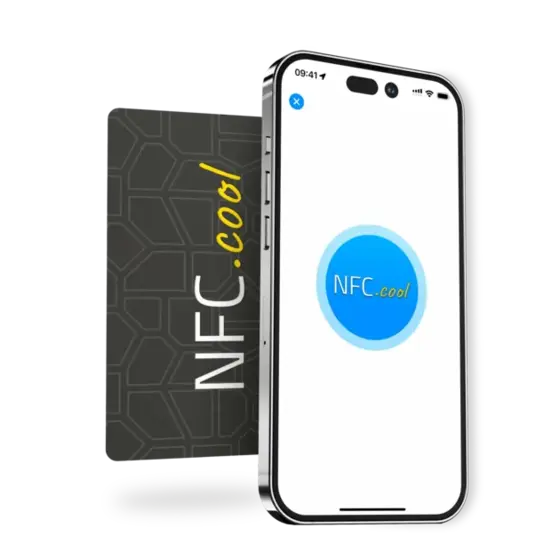
Tap any NFC tag and inspect its NDEF records - URLs, contacts, plain text, MIME data, app launches, custom payloads - plus raw bytes and tech type.
Websites, phone numbers, vCards, Wi-Fi credentials, PayPal, Cash App & Venmo, Spotify, YouTube, Shortcuts, Instagram, X, LinkedIn, TikTok, WhatsApp, and more.
Make a tag permanently read-only, or password-protect it so only authorised devices can read or write. Industrial-grade tag hardening.
Format empty tags, batch-write the same payload to a stack of tags for events or product launches, and clone the contents of one tag to another.
Auto-run iOS Shortcuts, speak the result aloud, fire a webhook, or open links automatically when a tag is tapped. Five hooks, one tap.
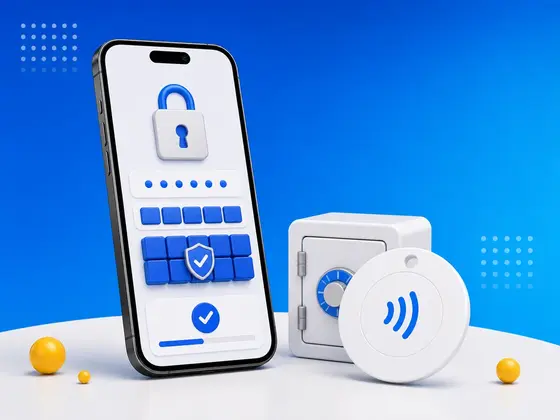
Most NFC apps treat the tag like a postcard - anyone with a phone can read it. NFC Safe treats it like a sealed envelope. Your secret (a password, recovery phrase, license key, or any text) is encrypted on your device with AES-256 before it ever reaches the tag. Lose the tag, have it stolen, hand it to a stranger - without your passphrase, the payload is just noise.
The same encryption works on both platforms, so you can lock a secret on iPhone and unlock it on Android. Want the full breakdown of how it's encrypted? Read the NFC Safe deep dive on the blog.
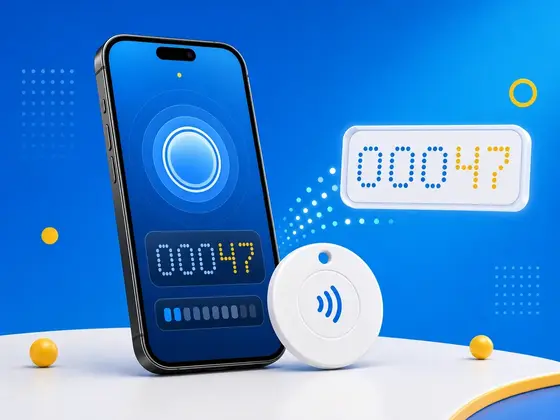
Some NFC chips count their own scans in hardware. NFC Tap Counter puts that to work: it sets up a tag so it appends its live tap count - and/or its unique tag ID - to whatever it carries (a URL, email, SMS, or Shortcut) on every single read. No server, no internet, no backend to maintain - the chip does the counting and the substituting itself.
That makes one tag tell you which physical sticker was tapped and how many times, and lets you act on it: limit the first 100 scans to a demo, track engagement on a business card, or prove authenticity with a counter that only ever goes up. Want the full walkthrough? Read the NFC Tap Counter guide on the blog, or try the live demo - tap a tag and watch the page count.
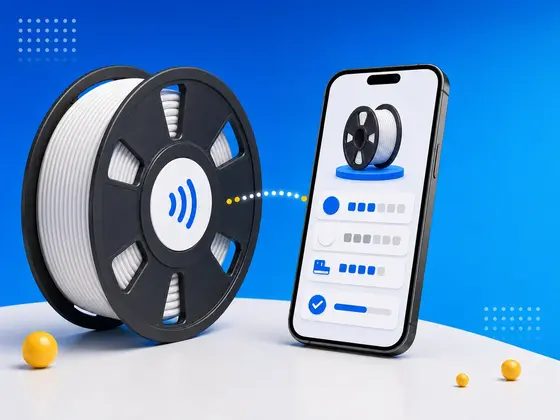
OpenPrintTag is an open standard for embedding filament spool metadata (material, color, manufacturer, UUID, remaining length) into a small CBOR-encoded NDEF record. NFC.cool reads and writes the format natively on both platforms - so compatible printers can identify your spool the moment it's loaded. New to the format? Our blog guide walks through reading and writing OpenPrintTag spools.
The same format powers the structured webhook payloads on the Webhooks & Automation page - fire a POST to your print farm the second a fresh spool is detected.
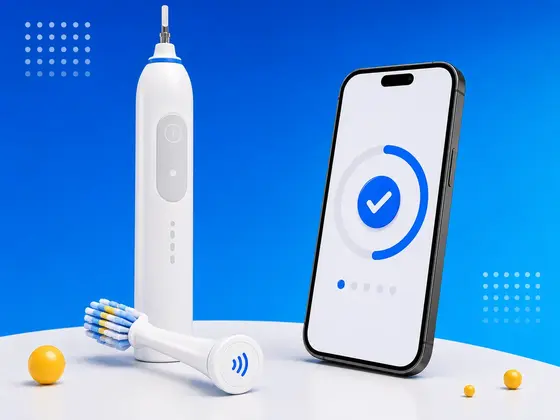
Philips Sonicare brush heads carry an NFC tag that tracks usage so the handle nags you to replace it. NFC.cool can reset that counter - read the tag's state, walk you through the reset, write the new state back. Same on both platforms. Want to know exactly what the chip tracks? Read the Sonicare brush head guide on the blog. (We don't make brush heads; we just give yours another month of dignity.)
For the people who want to know what's actually on the chip: NFC.cool can dump a tag's full memory as hex, detect the underlying chip model (NTAG213/215/216, NTAG424 DNA, MIFARE Classic/Ultralight, ISO 15693 variants, FeliCa, etc.), and report total bytes, user bytes, lock pages, and capability containers. Built for developers, makers, and anyone debugging a tag.
On iOS, Expert APDU mode goes a level deeper - send raw ISO 7816 commands to the tag and inspect the responses, for when you're integrating with an unusual reader, a custom protocol, or just want to see what the chip will admit to.
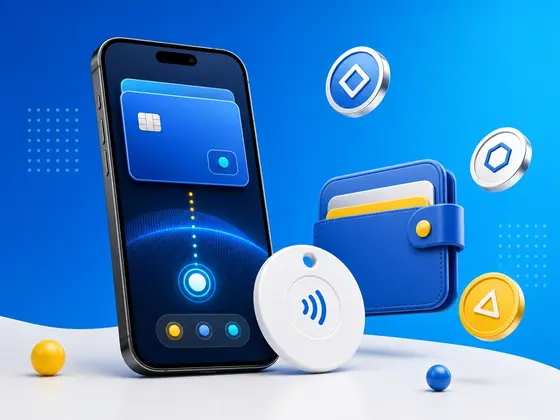
Encode Bitcoin, Ethereum, Solana, Lightning, or any wallet address as a payment-URI NDEF record. Tap to share a static wallet at conferences, embed in a sticker on your product, or hand someone a metal card with a permanent address. Reading is reciprocal - scan a crypto tag, deep-link straight into your wallet app.
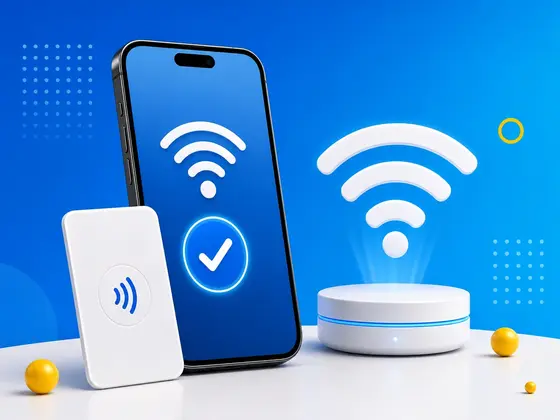
Write your Wi-Fi SSID, security type, and password to a tag once. From then on, anyone who taps it joins the network - no spelling out the password, no scribbled sticky note in the AirBnB. Reverse it: read a Wi-Fi tag from someone else's house and let the OS prompt to join.
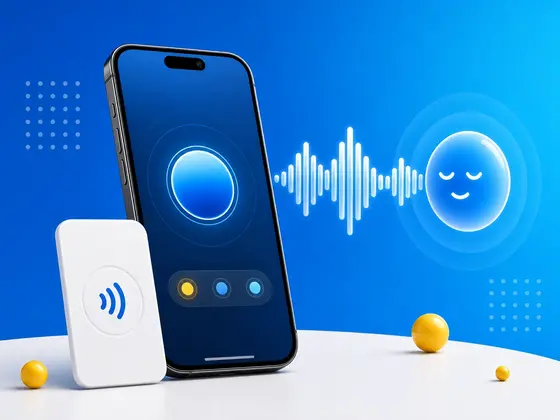
For accessibility, for hands-free workflows, or just because it's nice - flip the speech-synthesis hook on and every tag's payload gets read aloud the moment you tap it. Speech rate is configurable; works with VoiceOver and other assistive tech in parallel.
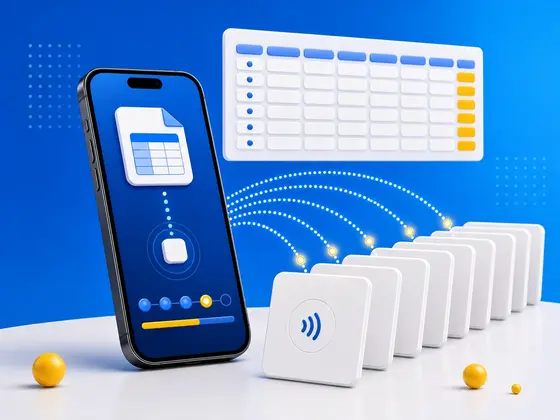
Build the list in Numbers, Excel or Google Sheets, export it as a CSV file and import that file on your phone. Every row becomes one tag; with several columns, every cell becomes its own record on that tag. NFC.cool detects the delimiter, shows a preview with the bytes per tag, and then writes one tag after the other while you hold them to the phone. Written rows are removed from the file, so you can stop and continue any time. Read the full walkthrough, from the spreadsheet to the last tag.
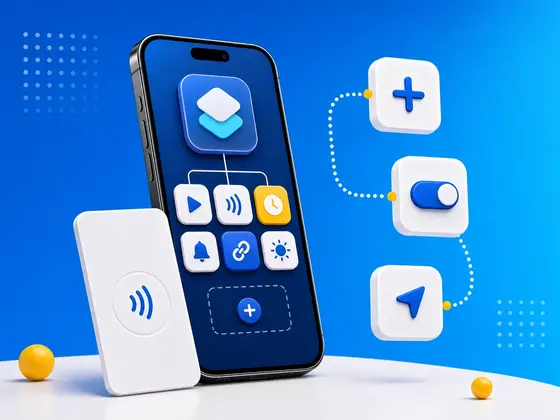
NFC.cool plugs straight into the iOS Shortcuts app with built-in actions: grab the last scanned NFC tag, write a message to a tag, open the scanner, or pull the last scanned QR code. Chain them into Shortcuts that scan a tag, parse its payload, and kick off whatever you want next - automation, logging, journaling, you name it. The same actions power the lock-screen Scan Button control on iOS 17+.
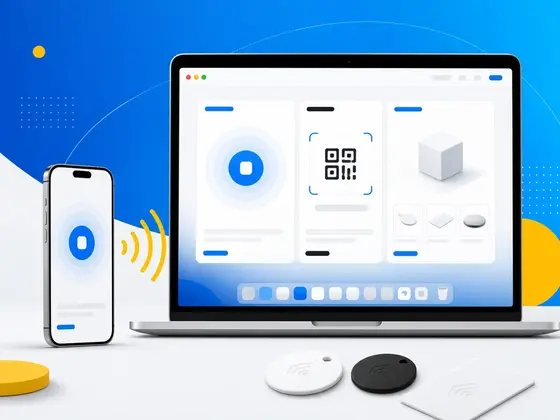
Scan history, NFC Safe entries, and write templates sync seamlessly across every device signed in to your iCloud account. Tap a tag on the iPhone in your pocket and the scan is in your iPad library a moment later. NFC.cool now runs on Apple Silicon Macs too, so the same library shows up there.
| Free | Platinum | |
|---|---|---|
| Read NFC Tags | ✓ | ✓ |
| Analyze NFC Tags | ✓ | ✓ |
| Write NFC Tags | ✓ | |
| NFC Message Types | ✓ | |
| Format NFC Tags | ✗ | ✓ |
| Password Protect NFC Tags | ✗ | ✓ |
| Lock NFC Tags | ✗ | ✓ |
| NFC Safe | ✗ | ✓ |
| NFC Batch Modes | ✗ | ✓ |
| NFC CSV Write | ✗ | ✓ |
| NFC Expert Commands | ✗ | ✓ |
| NFC Tap Counter | ✗ | ✓ |
| OpenPrintTag (3D Printing) | ✓ | ✓ |
Beautiful UX and nearly flawless execution unlike the other NFC apps.
I LOVE THIS APP. It's awesome for people like me who know little to nothing about NFC tags!
For most tag scans, no - iPhone XS and newer can read NDEF tags from the lock screen in the background, no app launch required. On Android, the app needs to be in the foreground to read a tag.
Yes. NFC reads and writes happen entirely on-device. NFC.cool never uploads tag content to any server.
Writing is safe and reversible by default - you can re-write a tag as many times as you like. Use the lock feature only when you're sure: once a tag is permanently locked, it cannot be rewritten.
NFC Safe encrypts payloads with AES-256-GCM, deriving the key from your passphrase via PBKDF2-HMAC-SHA256 over 100,000 iterations with a 16-byte random salt and a 12-byte nonce per record. Without the passphrase, the payload on the tag is indistinguishable from random bytes.
Yes. The format is interoperable. Encrypt on one platform, decrypt on the other - same passphrase, same payload.
It resets the on-tag usage counter so the handle stops nagging you. The brush head itself doesn't know it's been reset; it just keeps brushing. Use your own judgment on when bristles need replacing.
★4.5·73,500 ratings·Free