iPhone
NFC tag reading and writing, QR and document scanning, and the digital business card - everything the NFC.cool Tools app does on iPhone, iPad, and Mac.

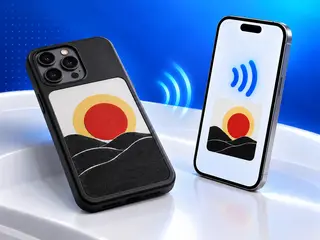
I Hacked My E-Ink Phone Case So My iPhone Can Write to It
I own one of those battery-free NFC e-ink phone cases, and I didn't like the app it came with. So I reverse-engineered how it talks, and NFC.cool Tools 7.2.0 can now put photos, QR codes, your next event, today's agenda and your reminders on cases that use the DeerPhoneCase, KAZAVA, Novixand or TYOHINN app. Since 7.3.0 it also draws on the bigger cases that use AI Cast Assistant.
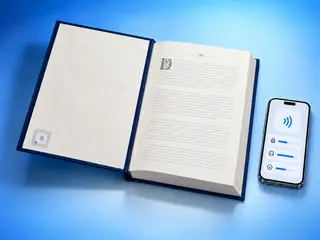
ICODE 3, SLIX, ICODE DNA and NTAG 5 now fully supported in NFC.cool Tools
NFC.cool Tools 7.1.0 speaks NXP ICODE: it reads, verifies, and manages ICODE 3, the SLIX family, ICODE DNA and NTAG 5 tags on iPhone, and on iPad and Mac with an external reader, with Android to follow. Here's what these library-and-shop chips can do, and the iOS quirk that almost made me think my own code was broken.
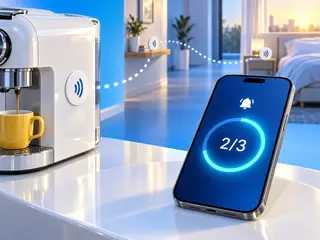
NFC Alarm Clock for iPhone and Android: Scan Your Tags to Stop the Alarm
Late nights of coding kept losing to my snooze button, so I built NFC Alarm into NFC.cool Tools: an alarm for iPhone and Android that only goes quiet once you've walked a trail of NFC tags around your home. Here's how it works, and how I got around the Stop button Apple puts on every alarm.
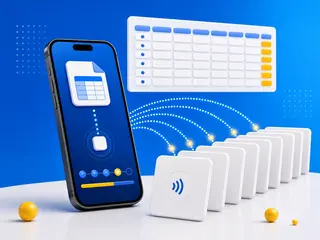
How to Batch Write NFC Tags from a Spreadsheet
I hand out App Store promo codes on NFC tags at conferences and meetups, hundreds of them by now. This is how I write them, and it works for any list: build it in a spreadsheet, export a CSV, move the file to the phone and let NFC.cool Tools write one tag after the other.
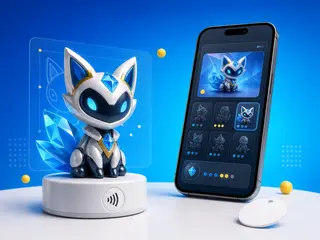
Read, Collect, and Back Up Amiibo on iPhone and Android
I want NFC.cool to be the best NFC app on iPhone and Android, so I gave it full Amiibo support: scan a figure to see its details, build a personal collection, and back one up to a blank NTAG215. Here's how Amiibo actually work under the hood - and why the app ships no keys.
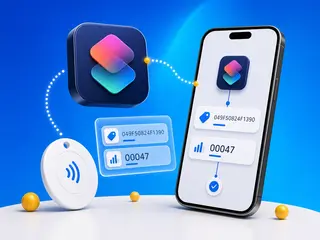
Parse NFC Tap Counter Data With iOS Shortcuts
Drop-in iOS Shortcuts that parse the NFC Tap Counter's tag ID and scan count - a reusable parser, and a tag-alert demo that uses it.
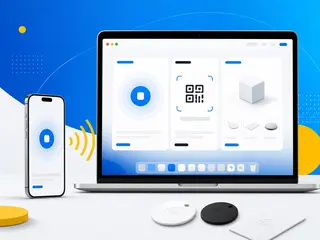
NFC.cool Comes to Mac: Your Entire Scan Library, On Every Screen
The NFC.cool iOS and iPadOS app is now compatible with Mac. Browse your scanned NFC tags, QR codes, barcodes, documents, 3D models, and room scans - all synced via iCloud. Plus: use your Mac camera as a QR and barcode scanner.
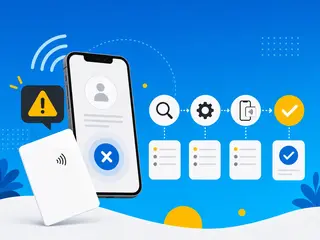
Why vCard NFC Tags Don't Work on iPhone (And What Actually Does)
Your vCard NFC business card works on Android but not iPhone? Here's why iOS ignores vCard data - and the simple fix that works on every phone.
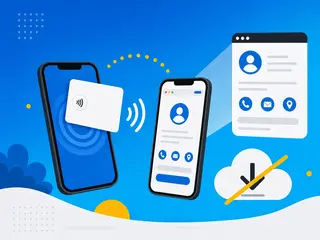
Share Your Digital Business Card Without Making Anyone Download an App
Your digital business card should work instantly for the person receiving it, no downloads, no friction. Here's how App Clips and instant web profiles make that happen.
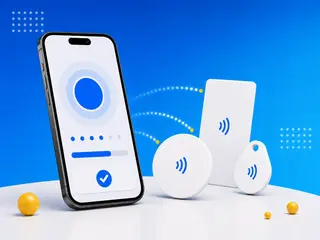
How to Write NFC Tags with Your iPhone
Your iPhone can do more than read NFC tags - it can write them too. Here's a step-by-step guide to programming NFC tags with your iPhone, from choosing the right tags to writing URLs, Wi-Fi credentials, contact cards, and automations.

Building a Great App Clip Experience: Lessons from NFC.cool Business Card
Recap of the mDevCamp 2025 talk in Prague about the architecture behind NFC.cool Business Card's App Clip flow.

NFC.cool Business Card - App Clip experience polished
Reworked the App Clip flow so recipients save your card to Contacts in one tap - no NFC.cool account, no install, no friction, and nothing for them to download.
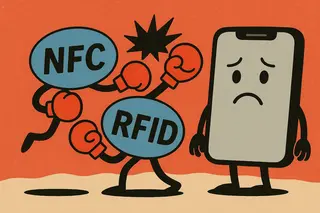
Why can't my iPhone open my condo's RFID door? Understanding NFC vs RFID
The honest answer to one of the most common questions in our inbox: your iPhone's NFC can't talk to your condo's RFID card, and Apple's intentional about that.
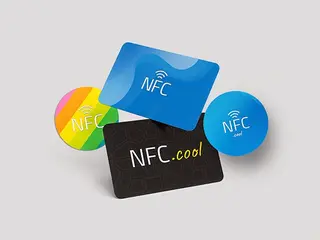
Understanding the different types of NFC tags - and which work with iPhones
Type 1 through Type 5, who makes them, and why NTAG-series (Type 2) is the safest bet for iPhone projects.

I can't remember anyone I meet. So I built this into the business card app.
After enough conferences and networking events, I realised digital business cards solved the wrong problem. They saved trees but not the context. So I added a Smart Context layer to NFC.cool Business Card - where you met, what they're working on, what to follow up on.
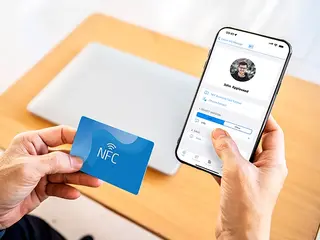
NameDrop vs NFC Business Cards: Why Cross-Platform Still Wins
NameDrop is gorgeous - but it's iOS-only. Why NFC business cards remain the cross-platform winner for serious networking.
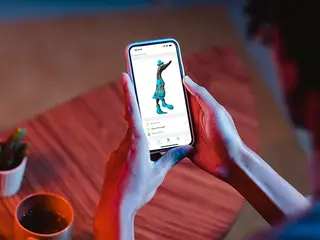
3D scanning on iPhone: what photogrammetry and LiDAR can do in your pocket
NFC.cool Tools turns your iPhone into a 3D scanner using Apple's Object Capture API. Photogrammetry plus LiDAR produces models you can export to .stl, .obj, .usdz - ready for 3D printing, AR, or any modelling pipeline.
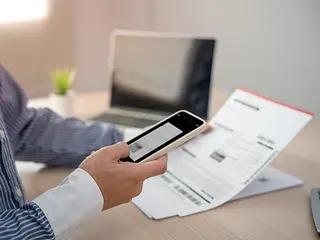
Pocket-ready document scanning with NFC.cool Tools
A practical guide to NFC.cool's document scanner: how to capture sharp scans, why the post-processing step matters, and how OCR turns the scan into searchable text and PDFs.
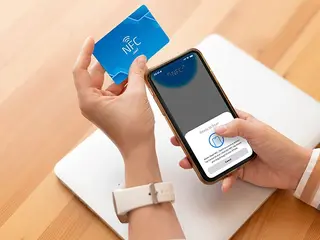
Tapping into NFC on iPhone: an insider's look
How NFC actually works on iPhone - from Apple Pay's secure element to Core NFC tag reading. A practical look at the protocol, the iOS history, and why the short range is a feature, not a limitation.